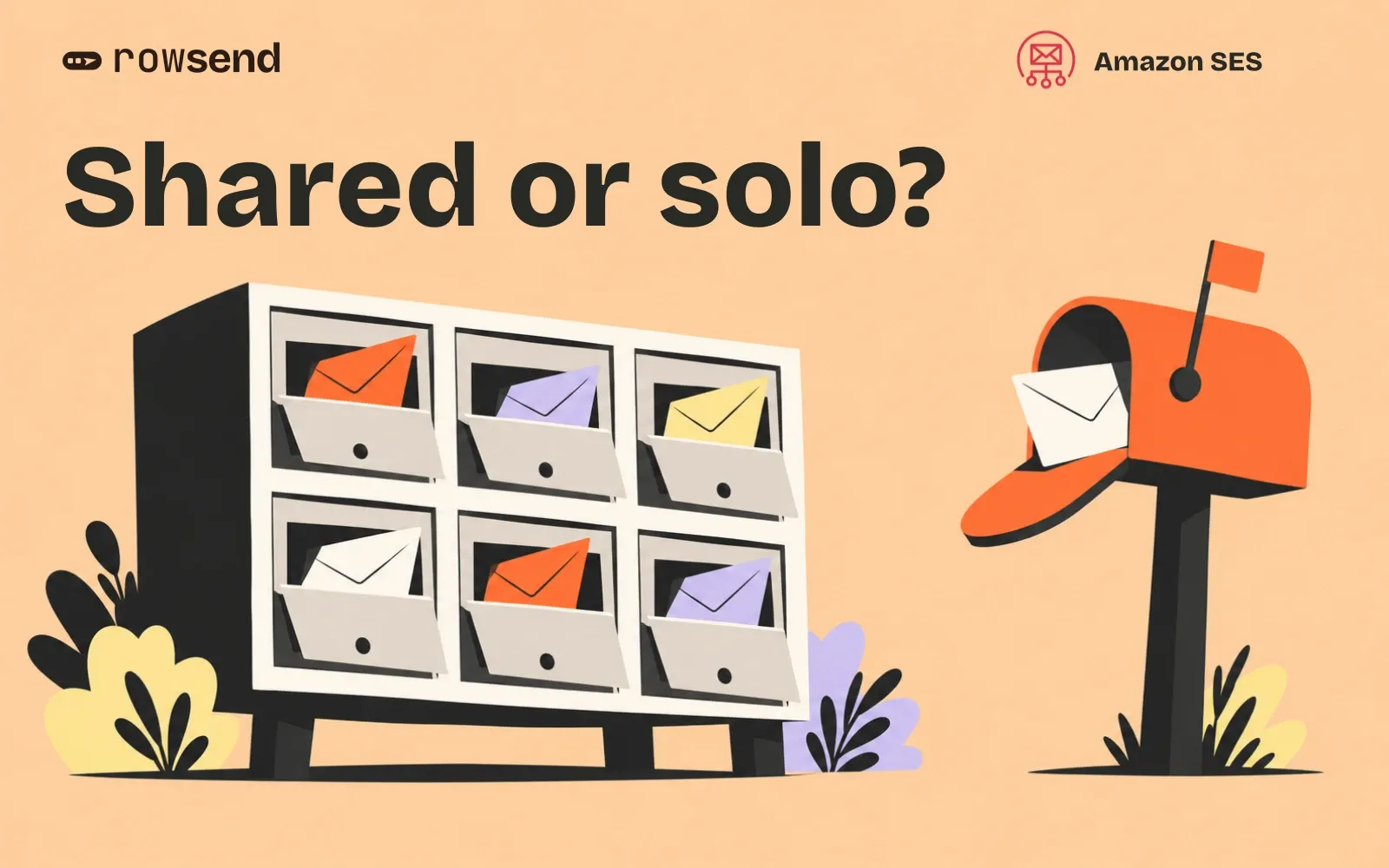
If you send one product announcement a month, a dedicated IP is usually a poor place to start. Shared IPs let you send without maintaining an IP’s sending history yourself. A dedicated IP becomes worth considering when you have a clear reason to isolate your traffic and enough regular sending to support it.
The decision depends on what happens between campaigns as well as how big your biggest send is. Before buying anything, write down your normal sending days, quiet periods and destination mailbox providers.
Compare the three SES options
Amazon SES uses shared IPs by default. Dedicated IPs reserve sending addresses for your account, with two ways to manage them.
| Option | Who manages the IPs? | What you take on |
|---|---|---|
| Shared | AWS manages a pool used by multiple SES customers | Your audience, authentication and sending practices |
| Dedicated, standard | You manage IP allocation and pools | A consistent sending pattern and oversight of warmup |
| Dedicated, managed | SES allocates and scales IPs and adapts warmup | Enough traffic to sustain the pool and monitoring of your sending reputation |
AWS’s comparison recommends shared IPs for low-volume senders. Standard dedicated IPs suit predictable sending; managed dedicated IPs offer more flexibility when traffic varies. Both dedicated options cost extra.
Choose a dedicated IP for a specific operational need. Paying for one does not guarantee that a campaign will reach the inbox.
Look at the sending calendar
These examples are fictional decision exercises, not volume thresholds or warmup schedules.
One announcement each month
A small SaaS product sends an update to 8,000 customers, then sends no campaigns for four weeks. Its founder wants a dedicated IP because the list has grown.
Start with shared IPs. The total audience tells you little about what will maintain an IP’s history during the quiet weeks. Buying an address adds a responsibility the campaign calendar does not naturally support.
Before changing infrastructure, check whether recipients expect the update and whether the audience matches the feature. A specific audience is useful regardless of the IP option.
A weekly newsletter with uneven destinations
A team sends 30,000 newsletters every Thursday. Most recipients use Gmail, but some use Outlook or company mail servers.
Review actual traffic by mailbox provider before making a decision. A weekly total alone does not show how much mail reaches each provider or what happens during skipped weeks. Keep shared IPs as an option while you identify the problem a dedicated pool would solve.
Do not email people more often just to make an IP purchase easier to justify.
Campaigns every working day
An established product sends different, expected campaigns throughout the week. Someone on the team already reviews delivery failures and can manage changes to sending infrastructure.
This is a stronger candidate for a dedicated pool. Write down the reason for it, such as isolating a particular mail stream. Then compare the operational work of standard IPs with managed allocation and warmup. Steady traffic makes the decision worth evaluating; it does not make the purchase mandatory.
Understand what warmup actually does
Standard dedicated IPs have automatic warmup enabled by default. SES gradually increases the share sent through new IPs over 45 days. That process is time-based and advances independently of sending volume.
A completed timer therefore does not mean you have sent enough mail to establish a history everywhere. AWS advises continued regular sending to each mailbox provider and warns against a large jump immediately after warmup. Check that guidance against your actual traffic before committing to standard IPs.
Managed dedicated IPs use a different approach. SES tracks warmup separately for each mailbox provider and adapts to your sending pattern. An IP that has built history with Gmail can still be cold for another provider.
Managed sending can also use shared IPs. During early warmup, SES can route excess traffic through its shared pool. Scaling up can start another warmup cycle. If volume falls far enough, SES may release a managed IP and route sending through shared IPs again.
Seeing a shared IP in a delivered message does not, by itself, prove that your managed pool is misconfigured.
Check the configuration set used by the campaign
SES associates sending pools with configuration sets. These are named settings that a sending application can attach to a message.
When you inspect a campaign’s routing:
- Identify the configuration set the sending application actually submits.
- Open that set in SES, in the region used for the send.
- Check its sending IP pool against the pool you intended to use.
- If it uses a managed pool, inspect warmup and capacity before treating shared routing as a fault.
AWS documents the pool choices and console controls in Assigning IP pools in Amazon SES. Check the real configuration set rather than assuming that creating a pool changed every application’s mail.
Keep audience problems separate from IP decisions
If a campaign has delivery trouble, save the failure details before buying infrastructure. Record the receiving provider, rejection response, campaign date and whether the problem affects all recipients or one destination.
Then check authentication, who received the campaign and how you handle bounces and complaints. AWS’s deliverability guidance treats these as ongoing sending responsibilities. It advises against repeated attempts to addresses that hard bounce or complain.
An IP change cannot make an unwanted campaign useful. Keep opt-outs and suppressions intact while you investigate.
Use Rowsend’s sending controls alongside SES
Rowsend connects to your own SES account and sends campaigns to contacts synced from your database. Its bounce-tracking setup creates an SES configuration set, so check that set when reviewing routing for Rowsend campaigns. Configure the sending pool in AWS.
Rowsend’s sender rate limit controls emails per second. Its daily limit and domain warmup control how many campaign emails it releases over time. Those controls do not allocate dedicated IPs or replace SES’s IP warmup.
Before your next campaign, record the IP option you chose, why it suits your calendar, which configuration set uses it and who will review delivery problems. Revisit the choice when the calendar or the reason for isolation changes.