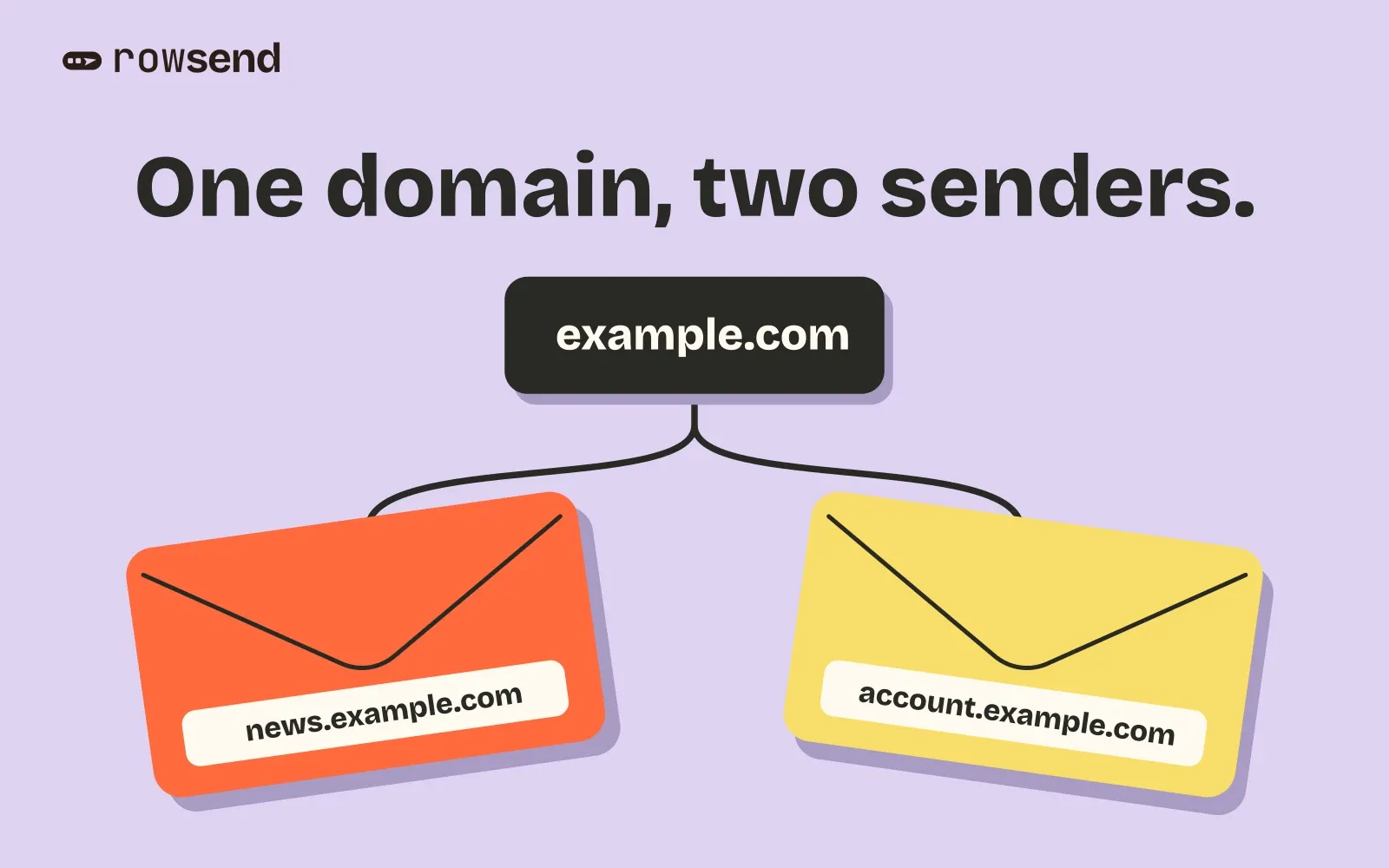
Your app already sends password resets from example.com. Now you want to send a monthly newsletter. Should it come from news@example.com or hello@news.example.com?
If you’re starting a new marketing program, a subdomain like news.example.com is a practical choice. It gives campaigns their own visible address under a brand people know. You can also configure a distinct signing domain and route campaigns through a separate provider stream where available. Each choice does a different job. A new From address alone still leaves mail sharing whatever signing domain and infrastructure your provider uses.
Choose which mail should move
Start by writing down what sends your password resets, receipts, campaigns and employee mail today. For each, record the From address and provider. If campaigns and resets already use the same setup, a change to the newsletter shouldn’t have to change where resets come from.
| Choice | When it fits | What to check |
|---|---|---|
Main domain, such as news@example.com |
You already have a recognizable campaign address and good reasons to keep it. | Whether you can separate campaign routing and reporting while keeping that address. |
Subdomain, such as hello@news.example.com |
You’re starting a campaign program or want a distinct, recognizable marketing sender. | Which domain signs the mail and which stream or infrastructure sends it. |
| Separate registered domain | You send for a genuinely separate brand with its own recognizable domain. | Whether recipients will recognize it and who will maintain its DNS and replies. |
An established sender address is worth keeping when it still fits your needs. Resend’s migration guidance, for example, recommends retaining an address with an established reputation and adding a subdomain for a new stream if needed. It also cautions against lookalike domains that recipients might mistake for spoofing. Resend’s verified domain guidance.
Check what your provider actually separates
Consider Clearboard, a fictional reporting app. It keeps employee mail on example.com and sends password resets from security@account.example.com. Its new product newsletter comes from hello@news.example.com, with replies directed to the team’s existing support@example.com mailbox.
For the newsletter, Clearboard records these settings and checks them against a delivered test.
- From is what recipients see. Here it’s
Clearboard <hello@news.example.com>. - DKIM signing domain appears in the signature’s
d=value. Clearboard configures its campaign provider to sign asnews.example.comand checks that the signature passes. - Return-Path is the envelope address tied to bounce handling. Its domain might be
bounce.news.example.comor a hostname supplied by the provider. Check the actual value and the corresponding SPF result. - Provider stream and sending IP are separate settings. A dedicated marketing stream can separate routing or reporting. Ask the provider which IPs it uses if you also need IP separation.
DMARC checks whether the From domain aligns with a passing DKIM or SPF identity. In this example, a passing DKIM signature for news.example.com aligns with that same From domain. A provider-owned Return-Path can pass SPF on its own domain without aligning with yours. Use your provider’s DNS records and confirm the result on the received message. Google’s email sender guidelines.
Know what mailbox providers still count together
Yahoo recommends separating marketing from transactional mail by sending IP or DKIM domain. Those are reputation signals Yahoo can assess independently. If both messages still carry the same DKIM domain and travel through the same IPs, giving them different From addresses hasn’t accomplished the separation Yahoo describes. Yahoo’s sender best practices.
Gmail uses the primary domain when it counts volume for bulk sender classification. If Clearboard sends 3,000 campaign messages from news.example.com and 2,000 account messages from account.example.com to personal Gmail addresses within 24 hours, Gmail counts 5,000 messages for example.com. Plan for the applicable bulk sender requirements across that traffic. Google’s bulk sender FAQ.
Separate monitoring is still possible. Google lets you add the relevant DKIM or SPF domain to Postmaster Tools to view eligible subdomain data separately. A separate dashboard tells you which traffic you’re looking at. It doesn’t tell you how much one stream can affect another. Google’s Postmaster Tools setup guide.
Test the switch before your first campaign
- Add the campaign identity in your sending provider and publish the DNS records it gives you. Leave account mail on its existing route unless you have a reason to move it.
- Set the campaign From address and a monitored Reply-to. Send yourself a test and reply to it to confirm that a person can receive the reply.
- Open the delivered message’s original headers. Check the From address, signing domain, Return-Path and authentication results against your plan. Check the provider’s activity log for the intended stream if the provider shows it there.
- Check how recipients opt out before making the switch. Carry forward relevant preferences and suppressions if you also change systems. Use a controlled live campaign to check any live unsubscribe flow that your test mode skips. How to check Gmail’s unsubscribe headers.
- Start with an audience already expecting this campaign. Check provider results for delivery errors, bounces and complaints, and confirm that account mail still works on its original route.
In Rowsend, Project settings → Sending sets the campaign From address and Reply-to. Verify the sender through your provider, then send yourself a test from the editor. If you use Postmark, select the Broadcasts stream for campaigns. Campaign audiences come from your connected database.
After you test both message types, keep a short record of their From address, signing domain and provider route. The next time someone changes a sender or adds a provider, they can check which mail that change will affect.