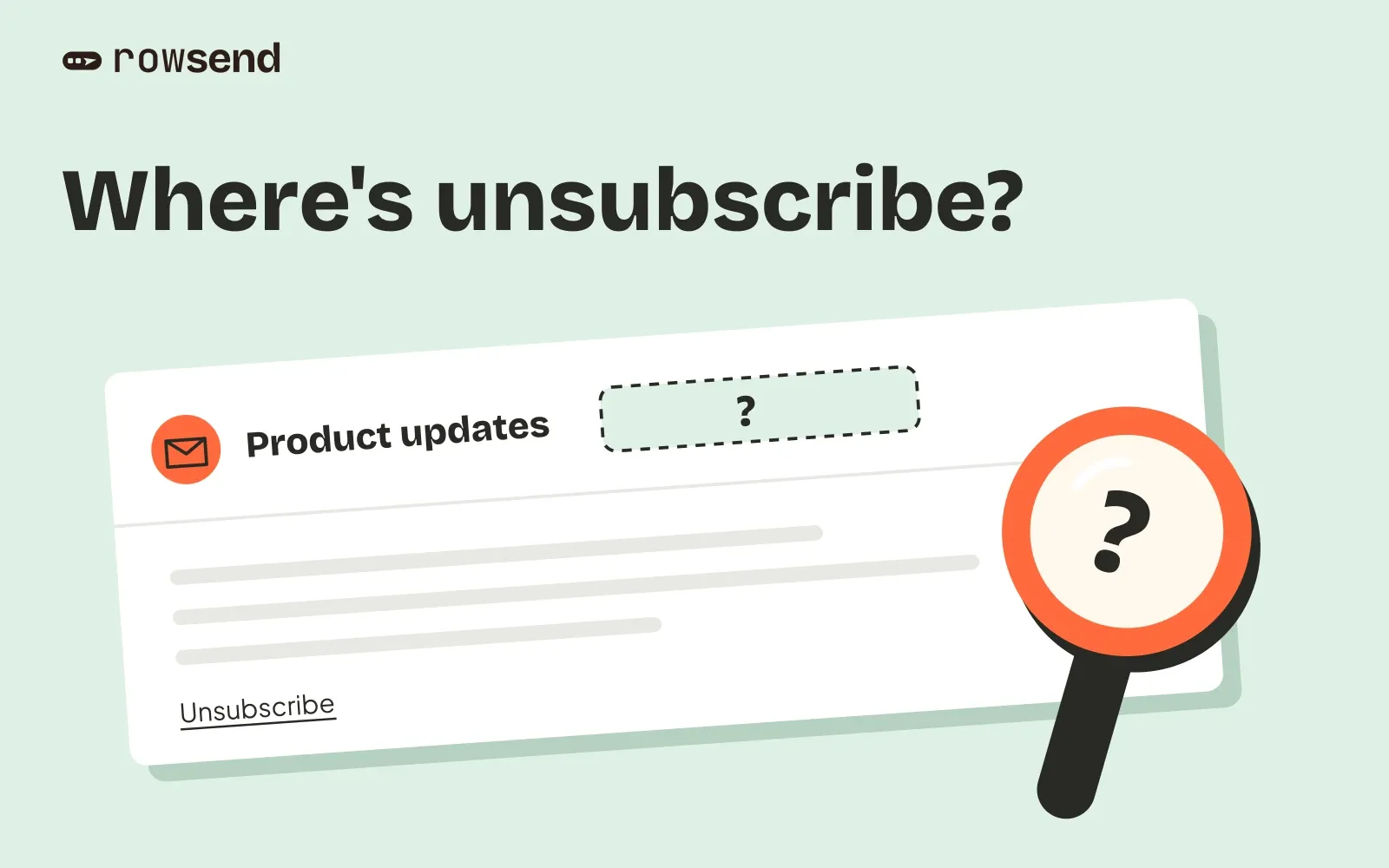
Your campaign has an unsubscribe link at the bottom, but Gmail shows no Unsubscribe control beside the sender. Start with the delivered message’s headers. The footer alone does not tell you whether one-click unsubscribe is configured.
There are two separate questions to answer. Did the campaign arrive with a working one-click unsubscribe mechanism? And did Gmail choose to display its control? Google applies automated eligibility checks, so correct headers cannot guarantee the button.
Use the checks below to find what you can fix before sending another campaign.
1. Separate the footer from the inbox control
The visible link in your email and Gmail’s own control have different jobs:
| What the recipient sees | What to check |
|---|---|
| Unsubscribe link in the body | Does it reach the intended unsubscribe page? |
| Email preferences link | Can the person choose the kinds of email they want? |
| Gmail’s Unsubscribe control | Does the delivered message support header-based unsubscribe? |
A footer link can work while the headers are missing. A preferences page can offer useful choices while the one-click endpoint is broken. Test each path separately.
For bulk senders to personal Gmail accounts, marketing and subscribed messages need one-click unsubscribe and a visible unsubscribe link in the body. Gmail’s sender guidelines describe the requirements for senders reaching more than 5,000 messages a day. A working footer is not a substitute for the headers.
2. Inspect a delivered campaign
Use a message that travelled through your normal campaign-sending path. An editor preview or a provider’s test-send feature may behave differently.
In Gmail on a computer, open the message, use the message’s More menu beside Reply, then choose Show original. Google’s header inspection instructions explain where to find it.
Search the raw message for these header names:
List-Unsubscribe: <https://mail.example.com/unsubscribe/one-click?token=EXAMPLE>List-Unsubscribe-Post: List-Unsubscribe=One-ClickThis is a fictional example. The address and token do not work.
The RFC 8058 one-click mechanism uses an HTTPS address in List-Unsubscribe and the exact value List-Unsubscribe=One-Click in List-Unsubscribe-Post. A mailto: address alone does not implement this mechanism.
If either header is missing, check the campaign software and sending provider settings. Editing the email’s HTML cannot add a message header. Inspect the received copy again after changing the sending configuration.
Keep real unsubscribe URLs private when sharing a diagnostic message. They identify a recipient’s opt-out request. Replace the address and token in any public example.
3. Check the DKIM signature covers both headers
Finding the two headers is only part of the check. RFC 8058 also requires a valid DKIM signature that covers them.
In the received message, inspect DKIM-Signature. Its h= list names the headers covered by that signature. Look for both list-unsubscribe and list-unsubscribe-post in that list.
A shortened fictional example looks like this:
DKIM-Signature: v=1; a=rsa-sha256; d=example.com; s=campaigns; h=from:to:subject:list-unsubscribe:list-unsubscribe-post; bh=EXAMPLE; b=EXAMPLEThe example is incomplete and cannot validate a signature. Use the received message’s authentication results to establish whether the signature passed. If there are multiple signatures, the one covering these headers must be valid.
Ask your provider to check signing if DKIM passes but no valid signature covers the unsubscribe headers. Changing the button in your email design will not repair that configuration.
4. Verify the request actually unsubscribes
Opening the header’s URL in a browser sends a GET request. That alone does not test one-click unsubscribe, which uses POST. The distinction protects recipients from software that fetches links automatically.
The one-click request sends this form value:
List-Unsubscribe=One-ClickThe endpoint must process the opt-out without a login, browser cookies or another confirmation step. Hand the controlled test to whoever maintains your sending integration if you do not manage HTTP endpoints yourself.
Use a recipient you control and intend to unsubscribe. Record the result in the campaign system, then check that a later audience excludes that recipient from the relevant mailing list or topic. A successful HTTP response without the corresponding suppression is an incomplete test.
Treat failures according to where they occur:
- A connection or certificate failure needs attention on the public endpoint.
- A sign-in or confirmation page in the POST flow needs a dedicated one-click handler.
- A recorded opt-out that leaves the person in the next eligible audience needs a suppression check.
Your ordinary footer link can still open a page with choices. Keep that reader-facing page separate from the background one-click request.
5. Use a controlled live send in Rowsend
Rowsend’s Send test sends through your provider, but its unsubscribe link opens a test page. It does not unsubscribe a real contact. That makes it useful for reviewing the design, but it cannot prove the live one-click flow.
For the live check:
- Use a Gmail address you control that already belongs to an eligible test account in your connected database. Rowsend’s contacts come from that database.
- Create a temporary segment with Email, is, and that contact’s exact address. Include only this segment in the diagnostic campaign and confirm the audience contains just that one recipient before sending.
- Choose the campaign’s topic. Keep the unsubscribe footer enabled, and use Rowsend Cloud or a publicly reachable self-hosted companion.
- Send a short campaign, then inspect the received headers. If Gmail offers its native unsubscribe control, use it. Otherwise, have the endpoint owner verify the POST flow for this controlled recipient.
- Check the contact’s topic opt-out and the audience of a new draft for the same topic. Do not send that draft just to prove the exclusion.
Rowsend’s one-click unsubscribe leaves the campaign’s topic. The footer page also offers a choice to stop everything. Test the scope you actually intended.
With the companion running only on your computer, Rowsend uses reply-based unsubscribe and a mailto: header. That mode has no public one-click endpoint. Compare the companion modes before diagnosing missing HTTPS headers as a fault.
When the headers work but Gmail still shows no button
If the received headers, signature and suppression path all check out, keep the visible footer and review your sender setup. Gmail’s eligibility decision remains separate from your implementation.
Google’s FAQ points to sender compliance, gradual volume increases and recipient spam reports. It does not promise that adding headers makes the control appear immediately. Avoid repeatedly sending campaigns to customers just to look for a changed interface.
Keep a short record of the campaign, sending provider, received headers, authentication result, endpoint test and resulting opt-out. Mark the Gmail button as shown or absent separately. That gives your provider something concrete to investigate and keeps a missing interface control from being mistaken for a broken unsubscribe path.