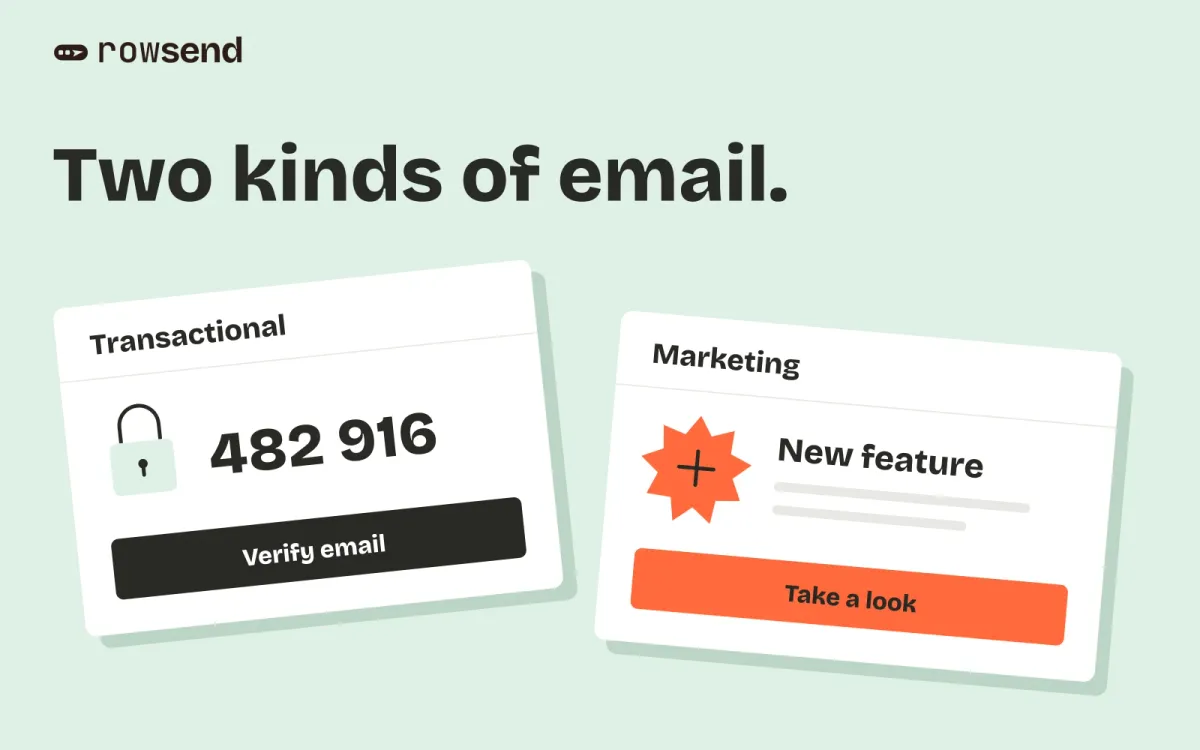
You already use Resend for password resets. Now you want to email customers about a new feature, and you are deciding whether to add Resend Marketing or use Rowsend.
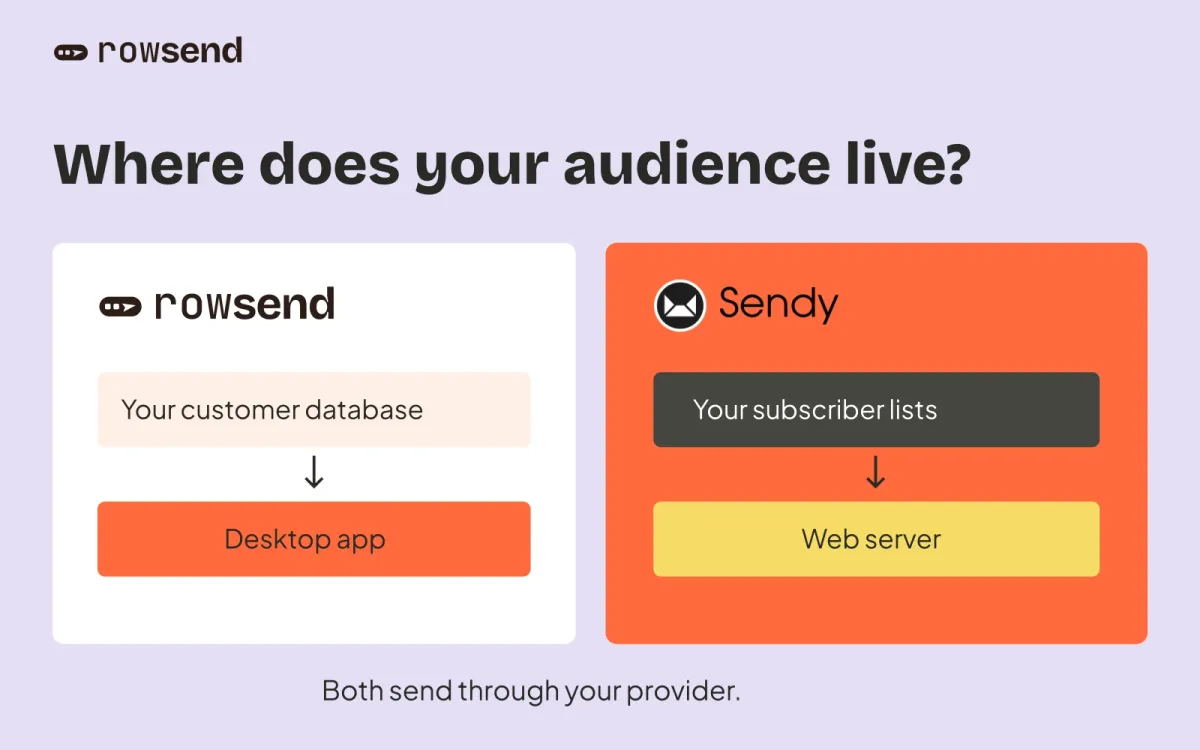
Rowsend suits a product team whose contacts already live in its database and who wants to send campaigns through its own provider. Resend suits a team that wants a hosted email service, a shared browser dashboard, and APIs for application email as well as broadcasts. You can keep Resend for transactional email and use Rowsend for marketing campaigns.
The calculator above compares the marketing costs. Price matters, but check the contact workflow and scheduling requirements before switching.
Rowsend and Resend at a glance
| What matters | Rowsend | Resend |
|---|---|---|
| Where you work | Desktop app | Hosted browser dashboard and APIs |
| Contact source | Read-only sync from your database | Hosted list, CSV, manual entry or API |
| Campaign creation | Visual editor, HTML designs and templates | Broadcast editor, templates and API |
| Sending provider | Your SES, Postmark, Mailgun or SMTP account | Resend’s sending service |
| Audience targeting | Saved filters on synced customer fields | Contact properties and segments |
| Reader preferences | Topics, with public pages on Cloud or your server | Topics and hosted unsubscribe handling |
| Scheduling | Computer running, or optional sending with it off | Hosted scheduling |
| Open and click tracking | Not tracked | Available when enabled |
| Automated email flows | No sequences; campaigns and batches only | Event-driven automations |
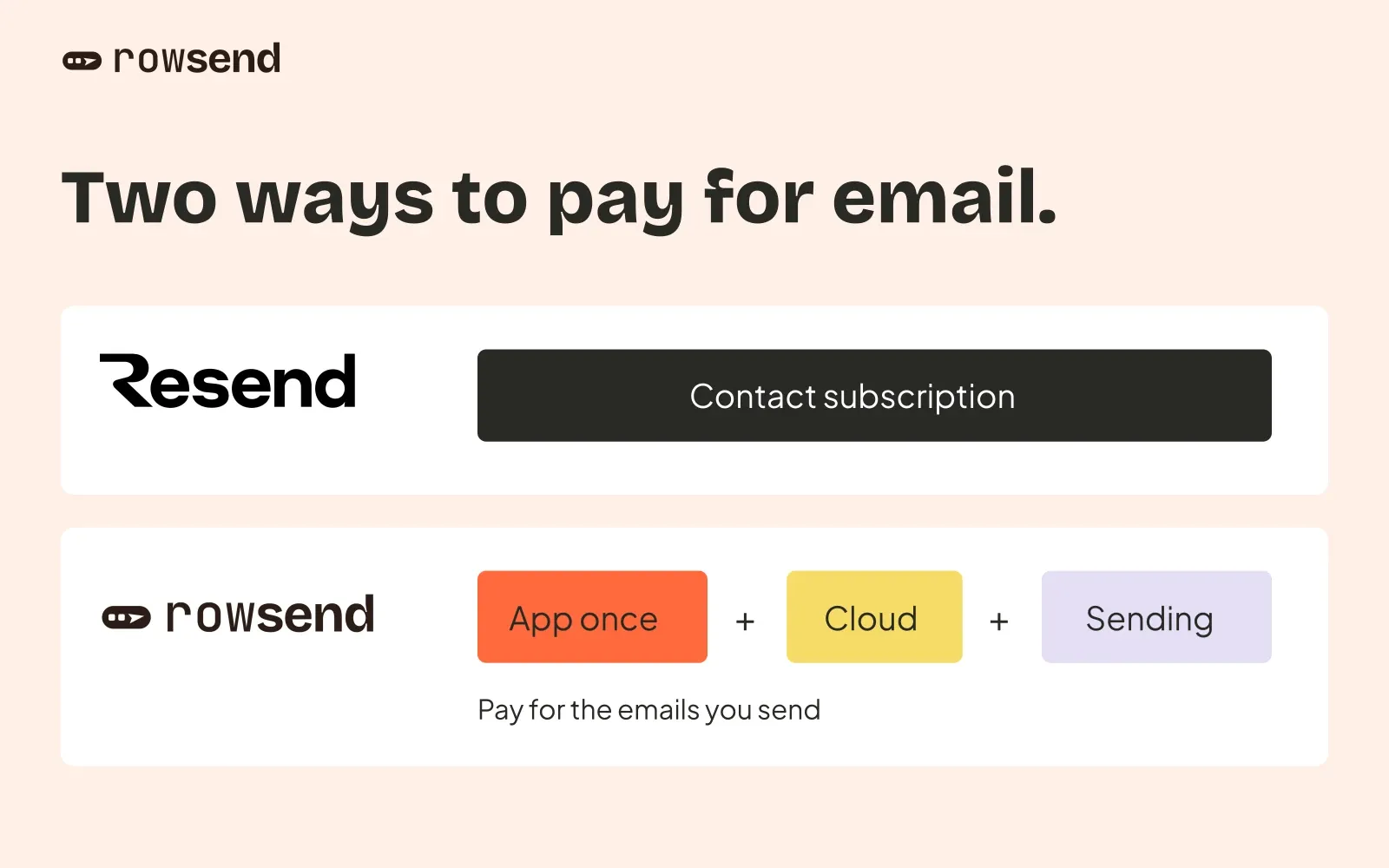
| How you pay | App license once, provider usage, optional Cloud | Separate marketing and transactional plans |
The contact and sending differences affect daily work more than the price alone. Here is what they mean for a product team preparing its next campaign.
Start with where your contacts live
Rowsend syncs contacts from your database with read-only access. It supports Postgres, MySQL, MariaDB, MongoDB and Firebase Auth, including hosted databases such as Supabase and Neon. Custom fields can come from your product’s data. There is no CSV import or manual contact entry.
For example, suppose your product stores plan and report_count. You can expose those fields to Rowsend and save a segment matching All of plan is pro and report_count is greater than 0. Your feature announcement then reaches paying customers who already use reports. These are example fields that your source must provide. The audience guide explains inclusions and exclusions.
Resend maintains a hosted contact list. You can add contacts manually, import a CSV, or manage them through its API and SDKs. Contacts support custom properties, segments and topic preferences. That is useful for a newsletter list that does not already live in an application database. If product fields drive your targeting, decide how you will keep those properties current in Resend.
Both products can organize subscribers and offer topic choices. The practical difference is which system supplies the contact data and who maintains the connection.
Decide who runs the sending
With Resend, Broadcasts give your team a browser editor, templates and scheduling. Resend handles the sending infrastructure. Open and click tracking is available even on Free when enabled for the domain. The separate marketing analytics dashboard is included in Pro Marketing.
Rowsend is a desktop app. You bring Amazon SES, Postmark, Mailgun or an SMTP service. The calculator uses SES; another provider changes the bill. Rowsend reports deliveries with SES, Postmark and Mailgun, but does not track opens or clicks. It is a campaign tool, so do not treat scheduled campaigns or batches as automated onboarding sequences. Resend also offers event-driven automations if that is part of your requirement.
Rowsend’s companion can run on your computer, on your server, or on Rowsend Cloud. For public unsubscribe and preference pages, choose Cloud or your own server. Local mode uses reply-to-unsubscribe, and you record those choices yourself. The mode comparison explains the other differences.
By default, Rowsend must be running to send, even with Cloud. To send scheduled campaigns while your computer is off, enable that option and let Cloud retain the project’s sending credentials encrypted. Recipients then become fixed when you schedule. Read the Cloud setup guide before relying on this for a launch.
Local-first also does not mean email data never leaves your computer. The sending provider processes each message, and a public companion handles recipient links and the data it needs to send. Choose the setup that matches your data requirements.
What sending costs
The calculator compares monthly running costs for Resend Marketing and Rowsend with Cloud and Amazon SES. Resend Marketing includes unlimited broadcasts and charges by contact count. Up to 1,000 contacts fits its free tier. Paid pricing starts at $40 a month for up to 5,000 contacts and reaches $80 for up to 10,000. The calculator covers each published bracket through 100,000 contacts. Prices were checked on October 17, 2026.
Rowsend has a one-time app license, separate from its running costs. The founding license is $20 for the first 300 licenses, followed by $29 and $49 tiers. Monthly savings exclude that purchase. Cloud costs $90 billed yearly, equivalent to $7.50 a month. The estimate keeps that fee at every volume and does not model Cloud’s send allowance or trial credits.
For Amazon SES, the default is Essentials at $0.16 per 1,000 outbound emails. AWS also offers à la carte sending at $0.10 per 1,000. New accounts and newly active regions can start on Essentials, so check your AWS plan before selecting the lower rate. The estimate excludes attachment data, SNS/SQS, optional add-ons, tax and your existing database bill.
For a hypothetical list of 10,000 contacts receiving four emails each month:
| Monthly running cost | USD |
|---|---|
| Resend Marketing | $80.00 |
| Rowsend Cloud, annual fee divided by 12 | $7.50 |
| SES Essentials, 40,000 emails | $6.40 |
| Rowsend Cloud + SES total | $13.90 |
That is $66.10 less each month, or 82.6% of the Resend bill, before the excluded charges. You also pay for the Rowsend license once. The percentage divides the monthly difference by Resend’s monthly cost. When Resend is free, there is no percentage comparison.
You can also send a newsletter through Resend’s /emails API. Those sends use its transactional quota, and you must provide a visible unsubscribe link and the required unsubscribe headers yourself. That can cost less than a Marketing subscription, but it requires your own campaign and unsubscribe handling. The calculator compares the hosted Broadcasts workflow with Rowsend and does not estimate that API-based setup.
Choose for the campaign you actually need
Choose Resend when you need application email APIs, a shared browser workflow, CSV-based contact management, engagement reporting or event-driven flows. Its free marketing tier is a sensible starting point for a small list.
Choose Rowsend when your customers already live in a supported database, you want a campaign editor that uses your own sending account. Budget for a public companion if you need unsubscribe links. Include provider setup and ongoing monitoring in the decision, even when the estimated bill is lower.
Before moving a live audience, check how you will preserve existing opt-outs, bounces, complaints and topic choices. A fresh database sync does not import Resend’s suppression history. Keep anyone who previously opted out excluded, verify your sending domain and SES production access if using SES, and send yourself a test before the first campaign. Compare the workflow with a small, consented audience before moving your next launch.