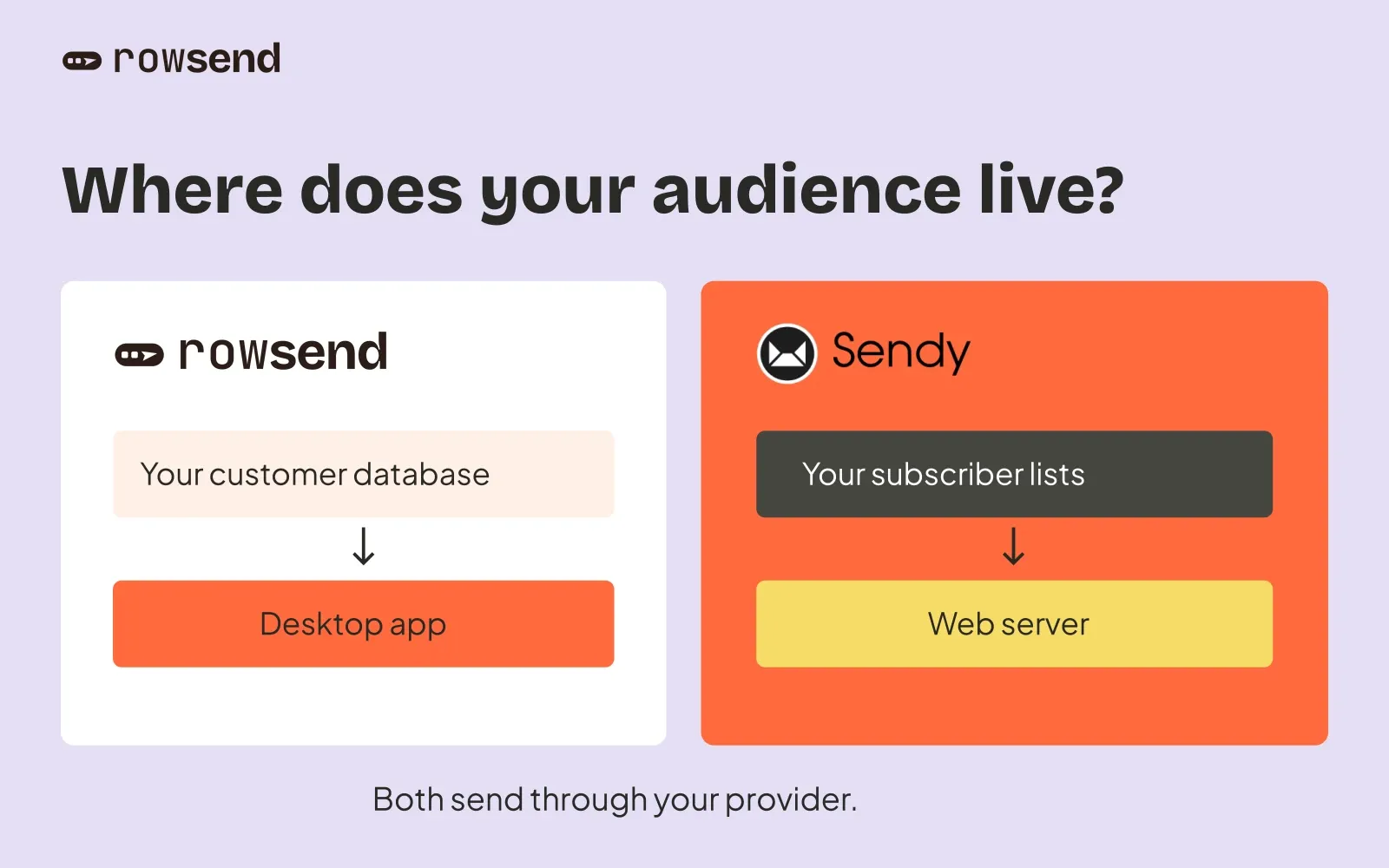
If your customers already live in a database, Rowsend gives you a direct path from customer data to a marketing campaign. Connect with read-only access, build an audience from the fields your product already records, and write the email in a desktop app. You do not need to maintain a separate list integration just to keep those fields current.
Rowsend also has a lower one-time software price: $20 at the founding tier versus Sendy’s $69. You can self-host its sending companion, so choosing Rowsend does not require a Cloud subscription. With equal hosting budgets and the same SES plan, the modeled monthly running costs are equal. The calculator above shows the software savings separately.
For a product team sending announcements and customer updates, those are practical reasons to choose Rowsend. Sendy remains a useful alternative when subscriber forms, autoresponders or client accounts are central to the job.
Rowsend and Sendy at a glance
| What matters | Rowsend | Sendy |
|---|---|---|
| Where you work | Desktop app | Browser, on your server |
| Customer data | Built-in read-only database sync | Keep list fields current through imports or integrations |
| Campaign editing | Blocks or HTML | Drag-and-drop, WYSIWYG or HTML |
| Sending | SES, Postmark, Mailgun or SMTP | SES or SMTP |
| Targeting | Topics, custom fields from synced database, segments | Lists, custom fields and segments |
| Unsubscribes | One-click unsubscribe and email preferences | List unsubscribe handling on your server |
| Scheduling | Computer awake, or enable sending with it off | Server and configured cron jobs |
| Opens and clicks | Coming soon | Optional tracking |
| Automated sequences | No | Autoresponders |
| Client access | Use a project on one computer at a time | Branded client accounts |
| Self-hosting | Desktop editor, Docker companion | Web app, PHP and MySQL/MariaDB |
| Software price | $20 founding tier; later $29/$49 | $69 |
| Future versions | Free lifetime updates | Free updates within the major version |
| Agent workflow | MCP tools for setup, drafting and tests | Campaign and subscriber API |
| Ongoing costs | Own-server hosting and provider usage; Cloud optional | Hosting and provider usage |
Rowsend’s unsubscribe links and email preferences work with your self-hosted companion or Rowsend Cloud. With local-only sending, recipients reply to unsubscribe instead.
Both support self-hosted sending. The main difference for a product team is the work between a change in customer data and the next campaign. Sendy’s feature list also covers its newsletter and client-account tools.
Use your customer database as the source of truth
Rowsend syncs contacts from a database you own, using read-only access. Supported sources include Postgres, MySQL, MariaDB, MongoDB and Firebase Auth. On SQL databases, you create a view that exposes the fields you want to use. Other sources use a saved field mapping. Rowsend keeps a local copy and syncs every 15 minutes by default while the app is running.
You do not have to export and re-import customer lists. Rowsend reads contacts only from your database, with no CSV import or manual entry. A contact removed from the source disappears at the next sync. Unsubscribes, bounces and complaints stay recorded separately, so syncing a customer again does not resubscribe them.
Suppose a fictional reporting product stores plan and report_count in its database. Expose both fields, then save a segment matching All of plan is pro and report_count is greater than 0. An announcement about saved reports can reach paying customers who already use reports. Those example fields must exist in your source. The audience guide walks through inclusions and exclusions.
Sendy stores subscribers in its own lists. Its API can subscribe people and update custom fields, so you can connect an application to those lists. For product-based targeting, you need an integration that keeps the relevant fields current and respects existing subscription status. Sendy’s database is the storage for its application; installing it beside your product database does not establish a Rowsend-style read-only sync.
If you collect newsletter subscriptions through a website form and have no customer database to connect, Sendy’s list workflow is the more direct fit.
Draft campaigns with your data and your tools
Rowsend’s editor supports blocks, HTML designs, reusable templates, merge fields, previews and test sends through your provider. You can use SES, Postmark, Mailgun or SMTP, with direct API integrations for the first three. Sendy supports SES and SMTP.
If an AI agent already helps you build your product, Rowsend’s MCP tools let it help with email too. An agent can set up a project, create a segment, draft a campaign, preview it and send you a test. You review the result in the app and click Send or Schedule yourself. Sender keys stay out of MCP. Sendy offers a campaign and subscriber API for integrations.
Rowsend reports deliveries with SES, Postmark and Mailgun, plus bounces, complaints and unsubscribes. Open and click tracking is coming soon and is not available yet. Today, you can choose recipients from product data and follow delivery and unsubscribe results.
Check these requirements before choosing. Sendy has optional open and click tracking, autoresponders for timed follow-ups and date-based messages, and branded client accounts. Rowsend sends campaigns and batches, with no automated sequences, and its guidance is to use each project on one computer at a time. If those Sendy capabilities are essential, a lower license price does not replace them.
Self-host sending or let Rowsend handle the public service
Rowsend keeps campaign editing on your computer. To host public unsubscribe and preference pages, one-click unsubscribe and images yourself, run its companion with Docker behind a public HTTPS address. You maintain that service and its backups, while your customer database remains the contact source.
With Sendy, you host the campaign editor and subscriber database as well. Installation involves uploading the PHP application, configuring MySQL or MariaDB and setting up AWS access for SES. Configure cron jobs for background sending and scheduling. Both self-hosted options need maintenance, but Rowsend does not require a server installation of its editor.
If you would rather avoid running a public service, Rowsend Cloud hosts the companion for you. It is an optional convenience, separate from the app license. You still use your own sending provider.
For testing or a simpler local setup, Rowsend’s companion also runs inside the app at no additional charge. Local mode has no public recipient pages: people reply to unsubscribe, and you record those choices yourself. Choose Cloud or your server when you need public unsubscribe links.
Even with Cloud, Rowsend normally needs to be running to send. Enable Keep credentials on Rowsend Cloud for a project to send with the computer off. Cloud then stores its sending credentials encrypted, and scheduled recipients become fixed when you schedule. Self-hosting supports the same option after you configure a master key.
For a campaign whose audience must include the latest customers, sync and inspect the audience before scheduling with that option. Later database changes will not update an already uploaded recipient list.
Pay less for the software, compare hosting equally
Prices were checked on October 19, 2026. Rowsend’s one-time license is $20 for the first 300 licenses, then $29 and $49 as those tiers sell. At $20, you pay $49 less than Sendy’s $69 license, a 71.0% saving on the software purchase. Even at the $49 tier, the difference is $20. Check the pricing page for the available tier.
Rowsend’s license includes free lifetime updates and works on one computer at a time. Sendy’s license covers installation on one domain, with free minor updates until the next major version. That makes Rowsend’s future-version entitlement another useful difference when comparing the purchase.
For ongoing costs, compare self-hosting with self-hosting. The calculator assigns the same hosting budget and SES rate to both products. This is an assumption for comparing the software, not a claim that they need identical servers. Enter a budget suitable for your setup. There is no Rowsend platform subscription for using your own companion server.
For a hypothetical 10,000 contacts receiving four emails each month, with a $5 monthly hosting budget for each:
| Cost | Rowsend, self-hosted | Sendy, self-hosted |
|---|---|---|
| Software, paid once | $20.00 founding tier | $69.00 |
| Hosting per month | $5.00 | $5.00 |
| SES Essentials, 40,000 emails per month | $6.40 | $6.40 |
| Monthly running total | $11.40 | $11.40 |
The software saving is paid once. It is not a recurring $49 monthly saving. Equal hosting and SES costs give equal monthly totals; your actual infrastructure can change that. If you already own Sendy, its license is a sunk cost, so compare the benefits of database sync with the cost of buying Rowsend.
The SES rates modeled here are Essentials at $0.16 per 1,000 outbound emails or à la carte at $0.10 per 1,000. The calculator excludes tax, SES data charges, SNS/SQS, add-ons, free credits, database costs, backups and maintenance time. The $5 hosting default is an example, not a vendor quote. Neither product’s workload has been benchmarked here.
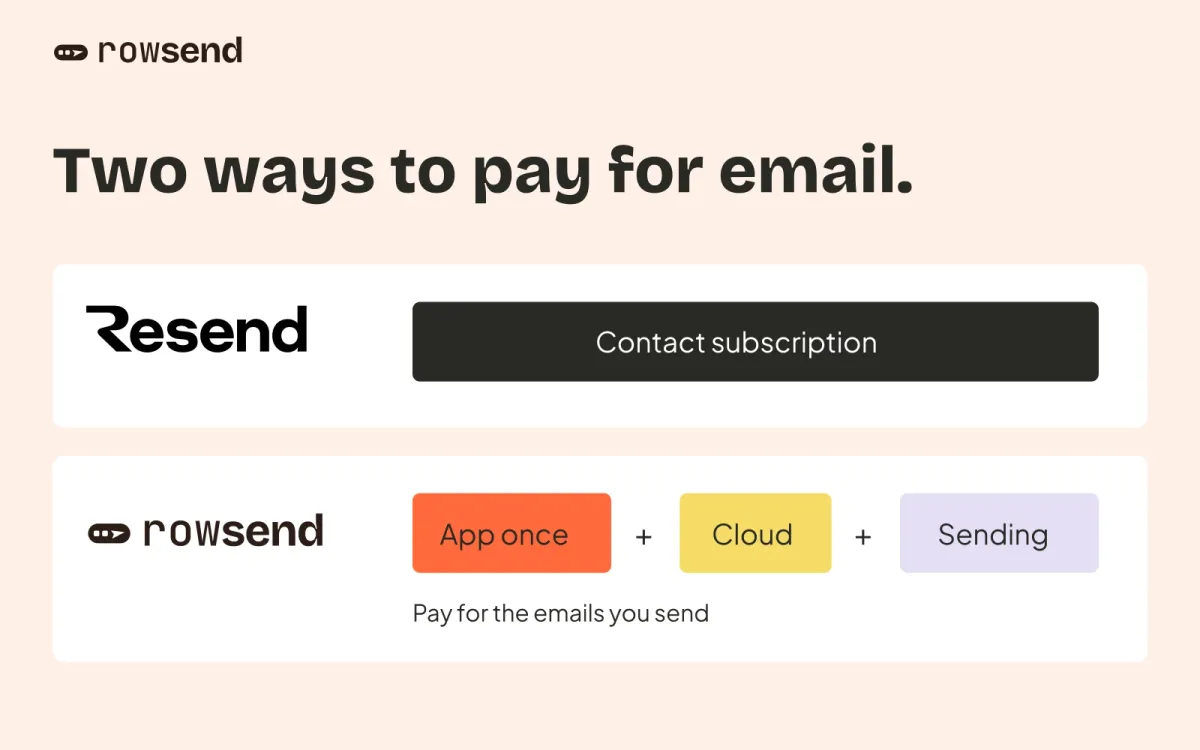
Cloud is outside this self-hosted estimate. If you choose it instead of hosting the Rowsend companion, it costs $90 billed yearly or $9 billed monthly and includes a 100,000-send monthly allowance. That buys a managed public service. It is not a required fee for choosing Rowsend over Sendy.
Choose, then check your opt-outs
Choose Rowsend for product announcements and customer campaigns when your database already has the audience data. You get built-in sync, targeting on customer fields, a desktop editor, agent-assisted drafting and a lower software purchase price. Self-host the companion if you want to keep running costs on the same basis as Sendy, or use Cloud to avoid maintaining the public service.
Choose Sendy when your primary need is a standalone newsletter list, autoresponders, engagement tracking available today or client accounts. Those are real reasons to prefer it. For database-backed product campaigns, Rowsend removes the need to build and maintain the contact-field sync yourself.
Before moving from Sendy, reconcile subscription status across every relevant list. Preserve unsubscribes, bounces, complaints and any consent restrictions before the first Rowsend campaign. A database sync does not import Sendy’s suppression history, and Rowsend has no Sendy list importer. Exclude those people in the connected source or record the appropriate suppression in Rowsend. Do not reconnect an opted-out address under a new customer id and assume the old suppression follows it.
Keep the old Sendy installation available for links in earlier emails and reconcile new opt-outs during the transition. Verify your sending domain, check SES production access, and test one campaign with a small, consented audience before moving a launch.