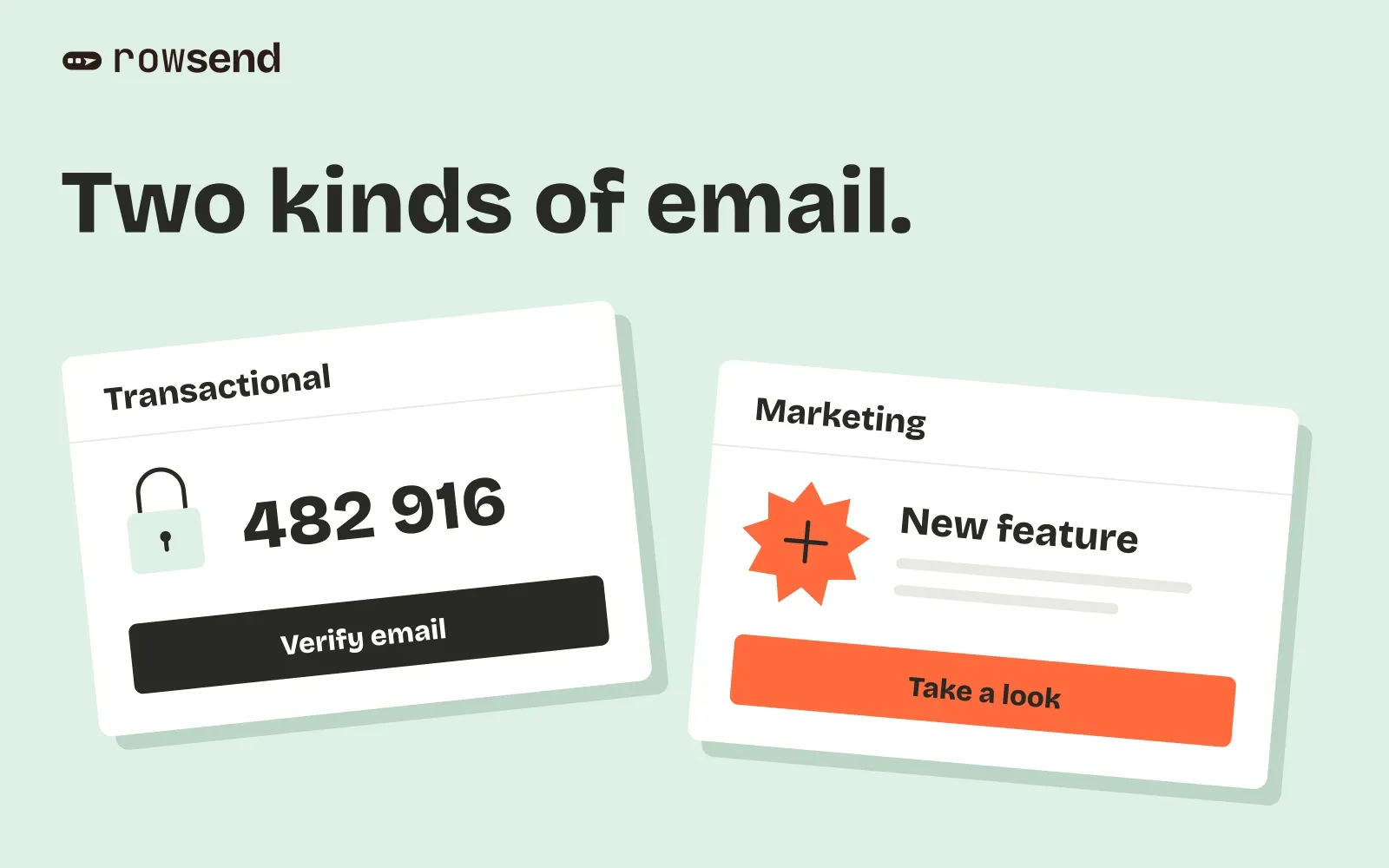
A password reset and a feature announcement can come from the same product. They reach the inbox for different reasons. One helps someone complete an action they requested. The other invites them to try something your team wants to promote.
That is a useful starting point for the difference between transactional and marketing email. The awkward cases are usually in between: a welcome message with an upgrade offer, a trial reminder, or a weekly summary of account activity.
Classify the finished message by its purpose, then check your provider’s sending rules. Sending automatically, adding a customer’s name, or calling it a “product email” does not settle the question.
Start with what the recipient needs
A transactional email helps someone complete an agreed action or understand something happening to their account. Think of a sign-in code, a payment receipt, or a security alert.
A marketing email promotes your product, its content, or an offer. A feature announcement can be marketing even when it goes only to existing customers and contains no discount.
Before choosing a sending tool, write down:
- What happened that makes this message necessary or useful now?
- What information does the recipient need, and what are you asking them to do?
- Is this an account obligation, a notification they requested, or optional promotional content?
- What should happen if they have opted out of marketing?
An automated rule can send an upgrade pitch. A person can manually send an essential account notice. The trigger helps explain the message, but you still need to read its subject and body.
Classify 10 common SaaS messages
These are fictional examples for a reporting product. The classifications are a starting point for reviewing the described content. Provider routing and legal treatment need their own checks, especially for the conditional cases below.
1. Password reset
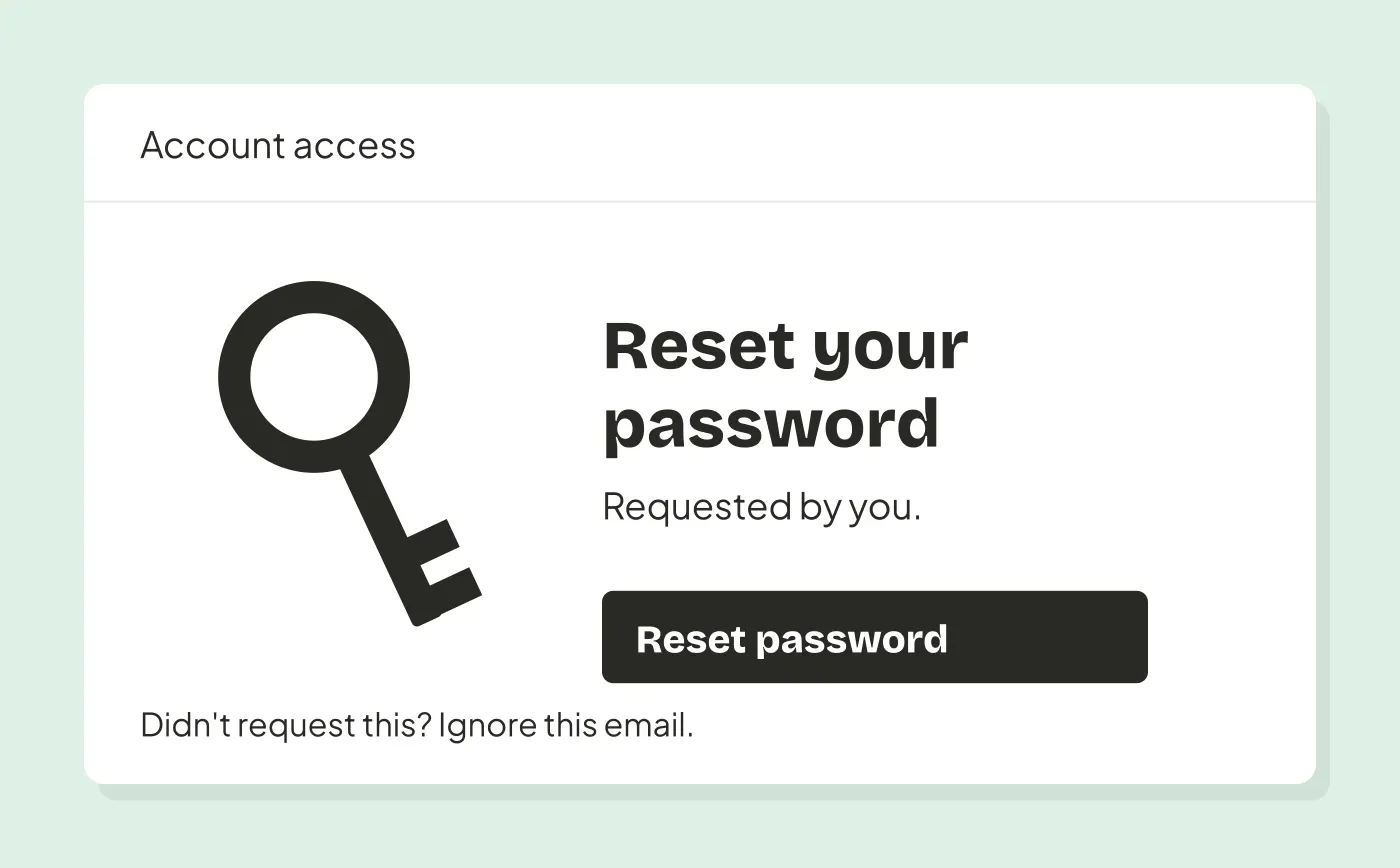
Transactional. “Reset your password” follows a reset request and gives the recipient a way to regain access.
Include the reset action, its expiry if applicable, and what to do if they did not request it. Keep feature promotions out of this message.
2. Email verification
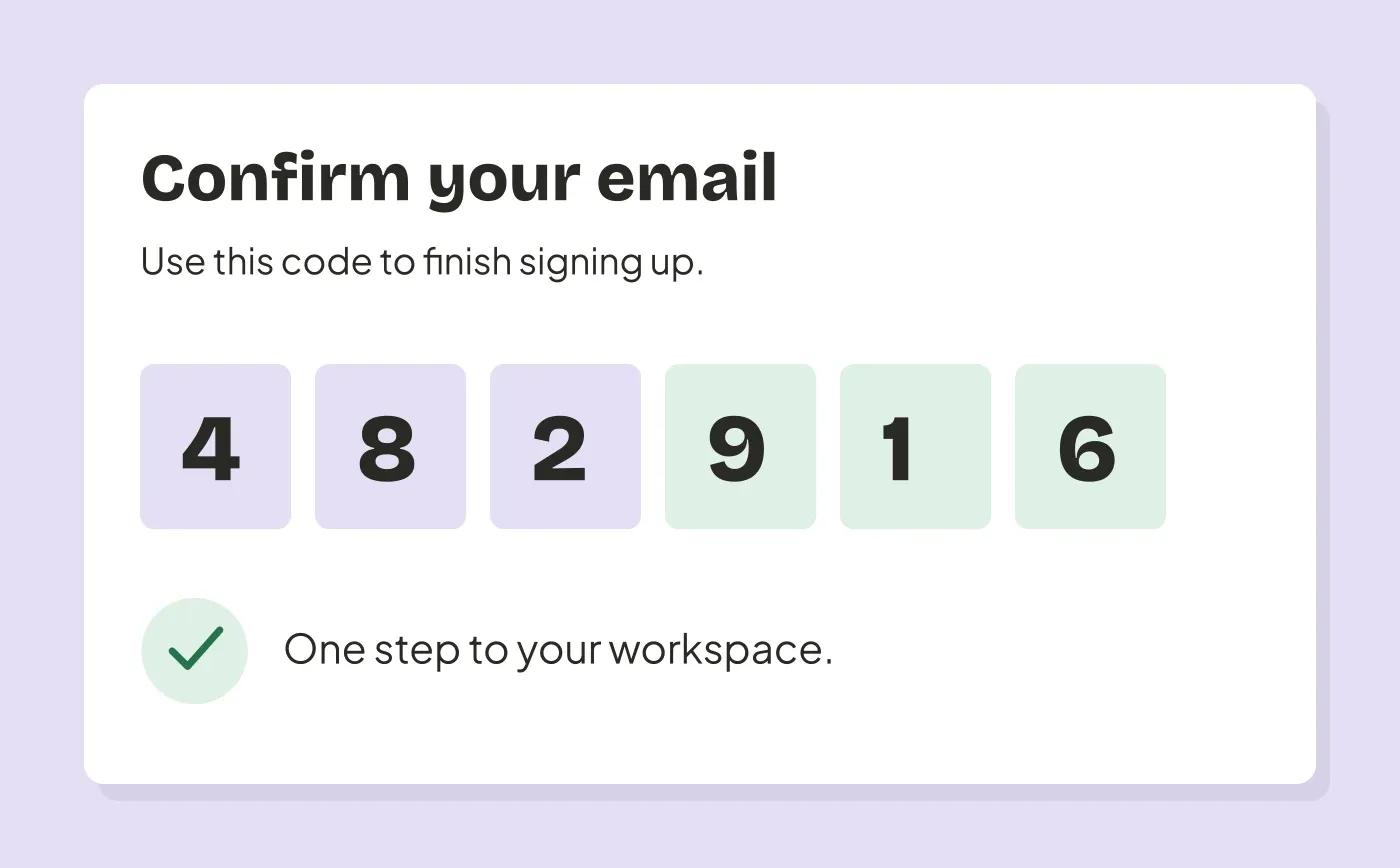
Transactional. “Confirm your email address” completes an account action the person started.
Link to verification and explain why it is needed. A confirmation email is not a reason to enroll someone in every marketing topic.
3. Payment receipt
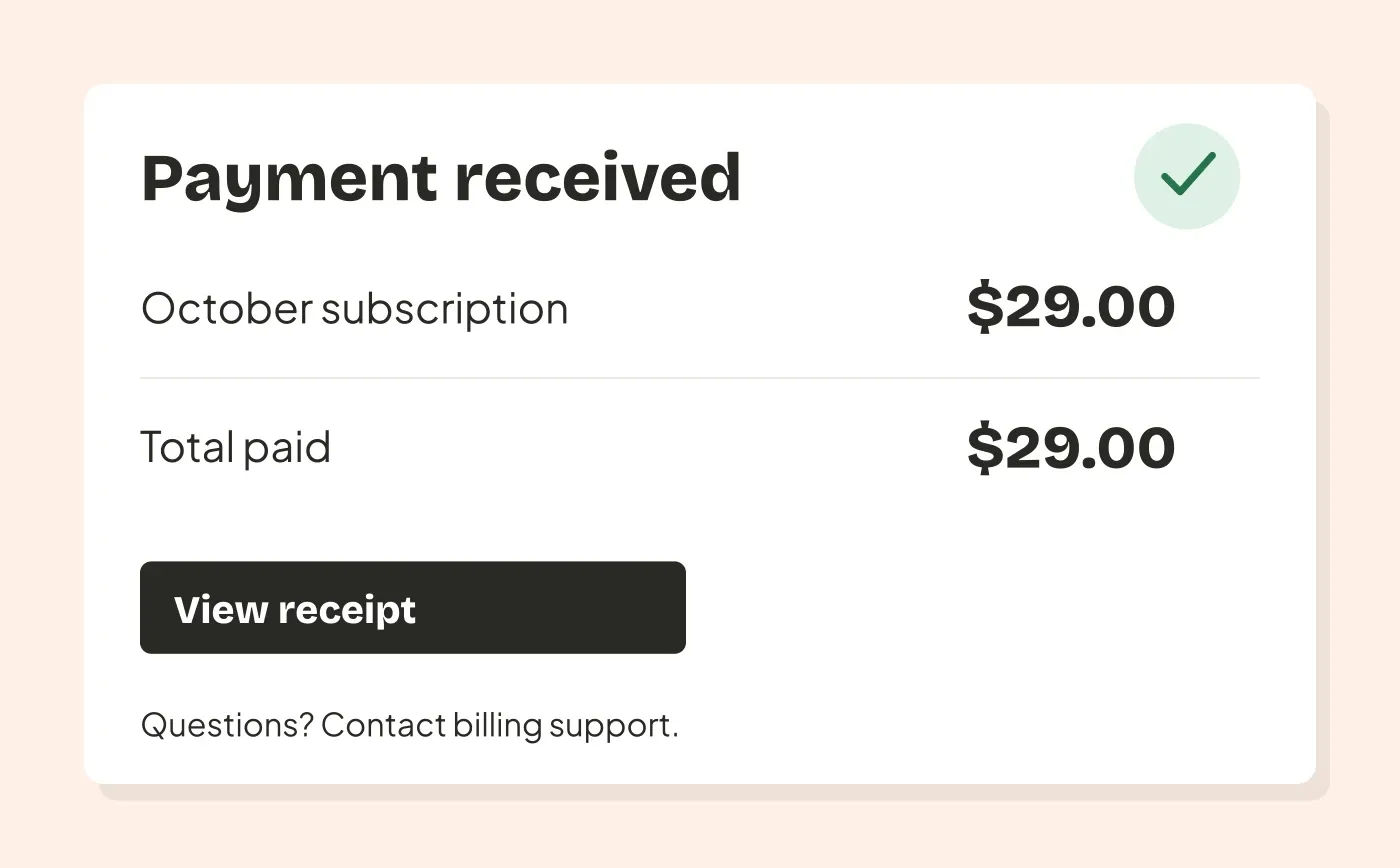
Transactional. “Your receipt for October” confirms a payment the customer agreed to make.
Show the amount, billing period and a route to billing help. If the main body instead sells an annual upgrade, review that finished version again rather than relying on the word “receipt.”
4. Failed payment notice
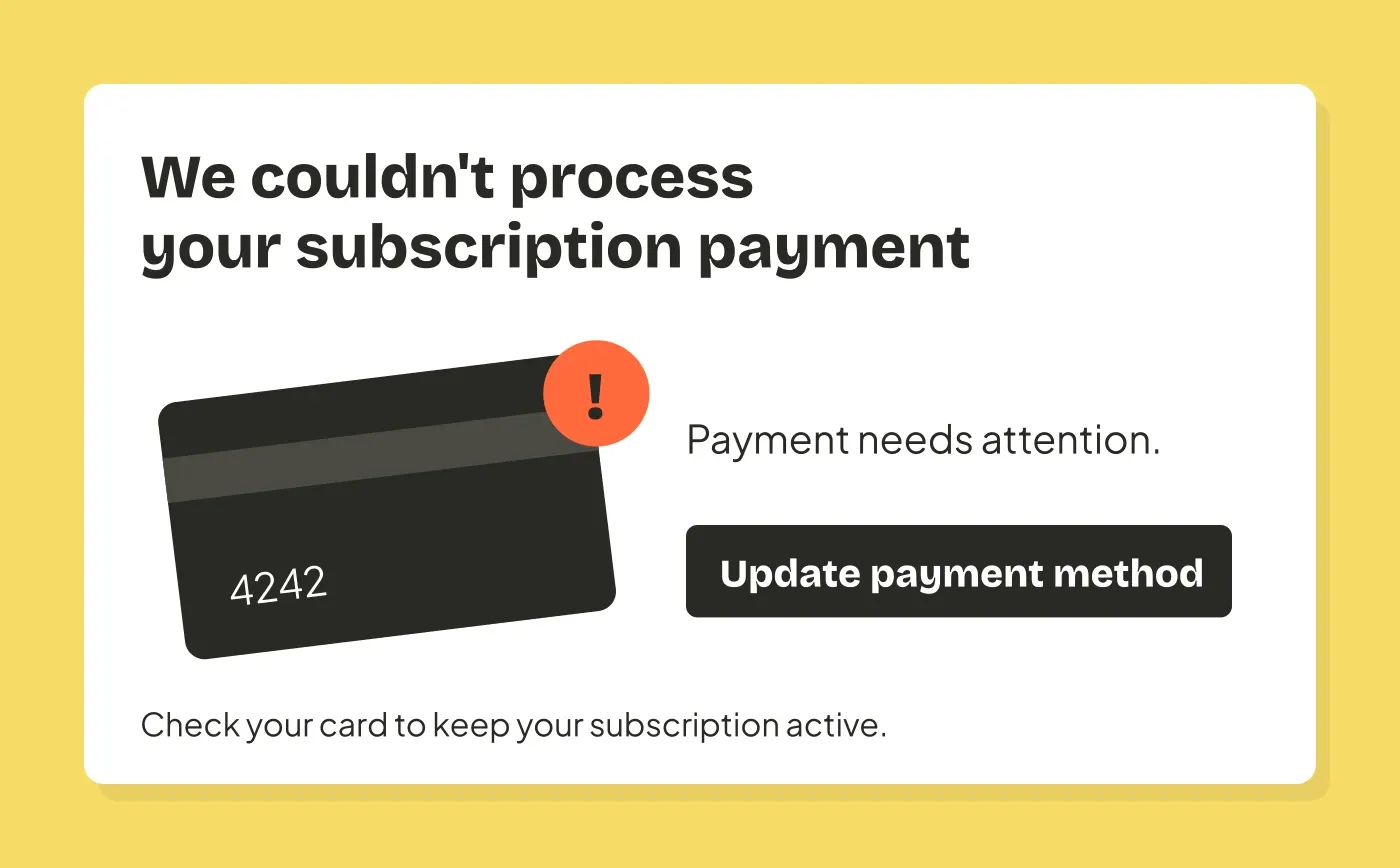
Transactional when it concerns an existing payment obligation. “We couldn’t process your subscription payment” tells the account owner about a billing problem.
Explain what failed, what happens next and how to update the payment method. A discount campaign for former customers is a different message, even if the audience once had failed payments.
5. Security alert
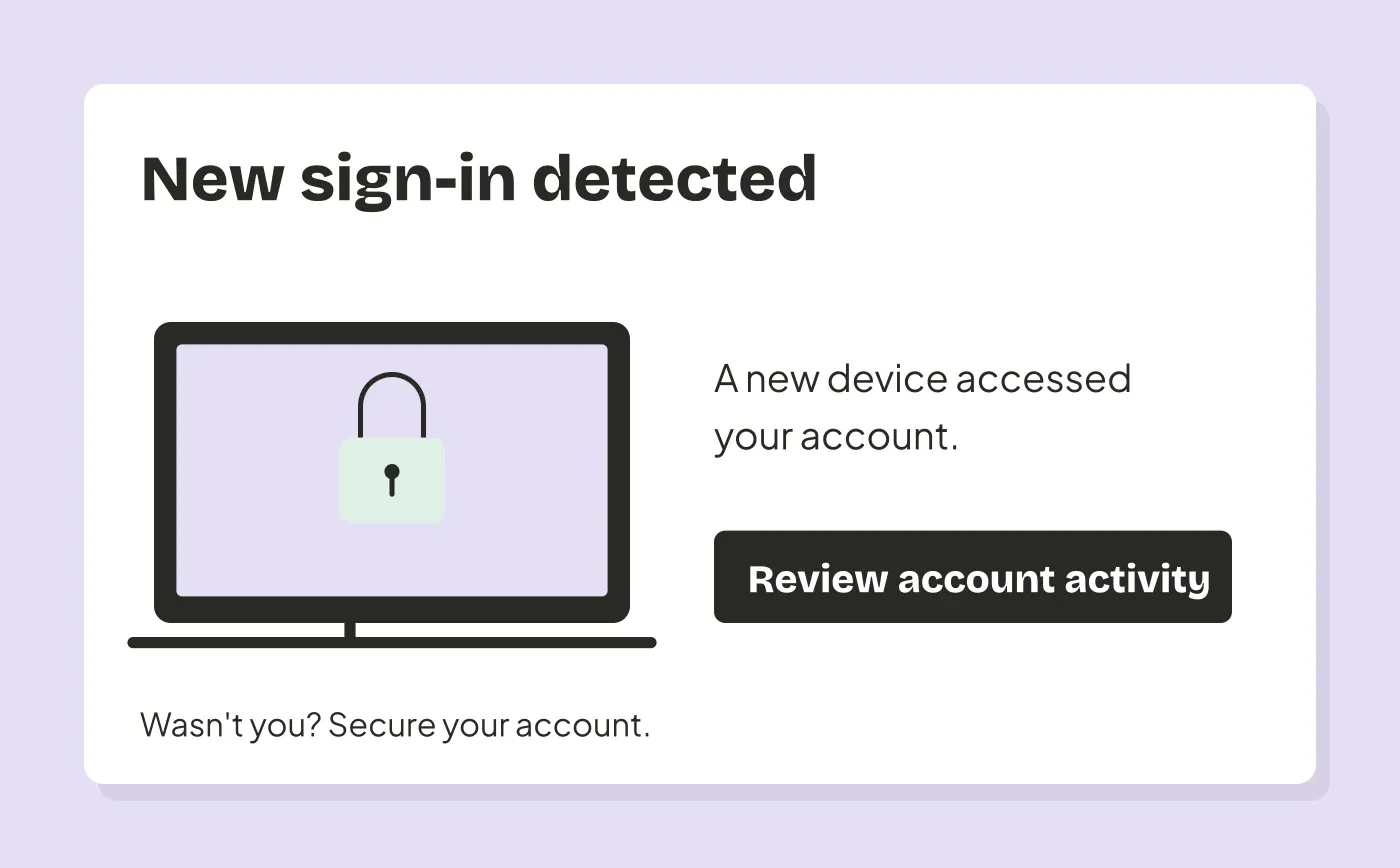
Transactional. “A new device signed in to your account” reports a security event affecting the recipient.
Describe the event and the steps to take if it was unexpected. This belongs with account notifications, not a newsletter audience that may exclude customers who still need the alert.
6. Welcome email
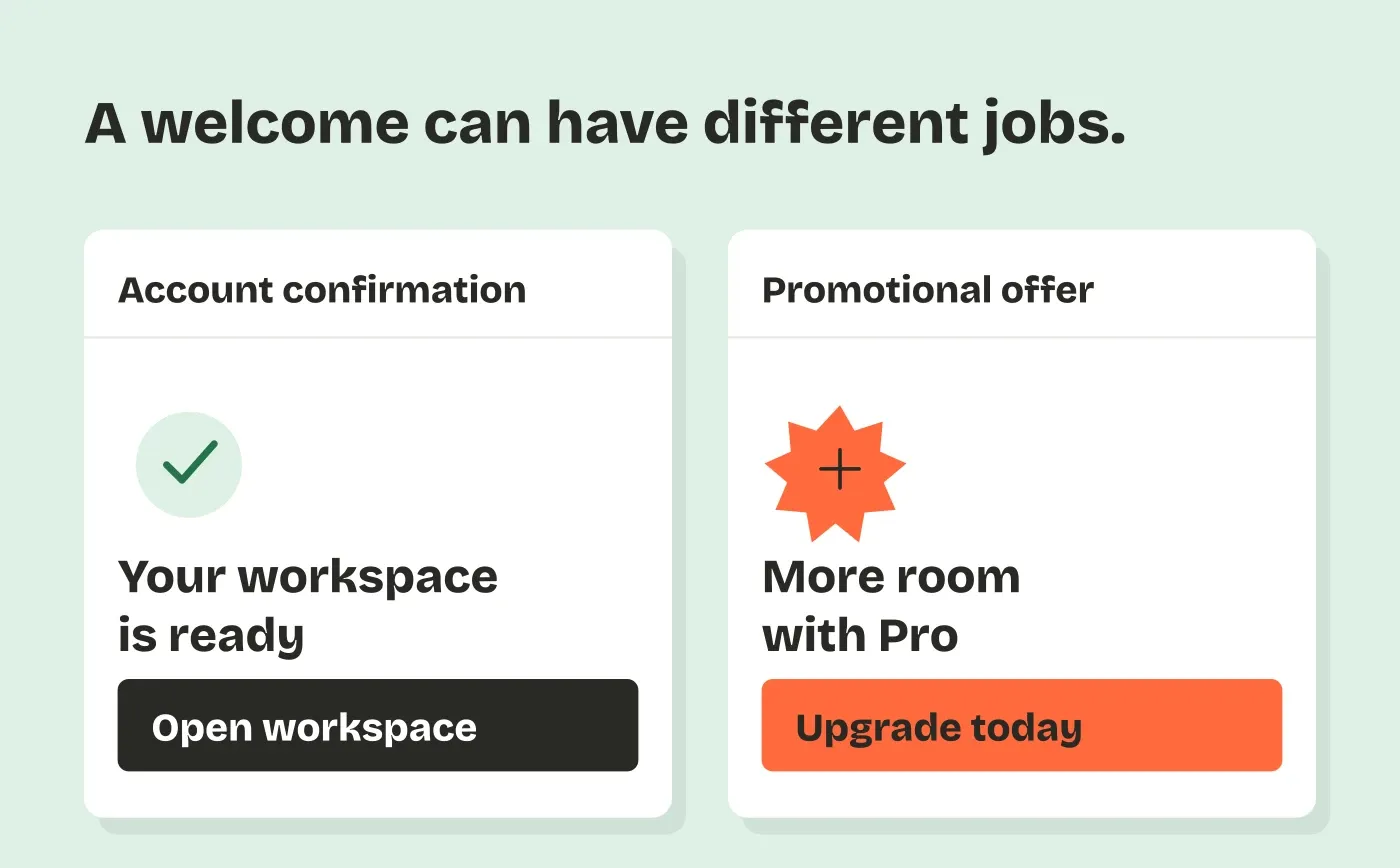
Depends on the content. “Your workspace is ready” can confirm account creation and explain how to access it. “Welcome! Upgrade today for more reports” has a promotional purpose.
Review each welcome message separately. A series does not inherit one classification from its first email. Put optional product education and offers through the appropriate marketing workflow.
7. Trial ending reminder
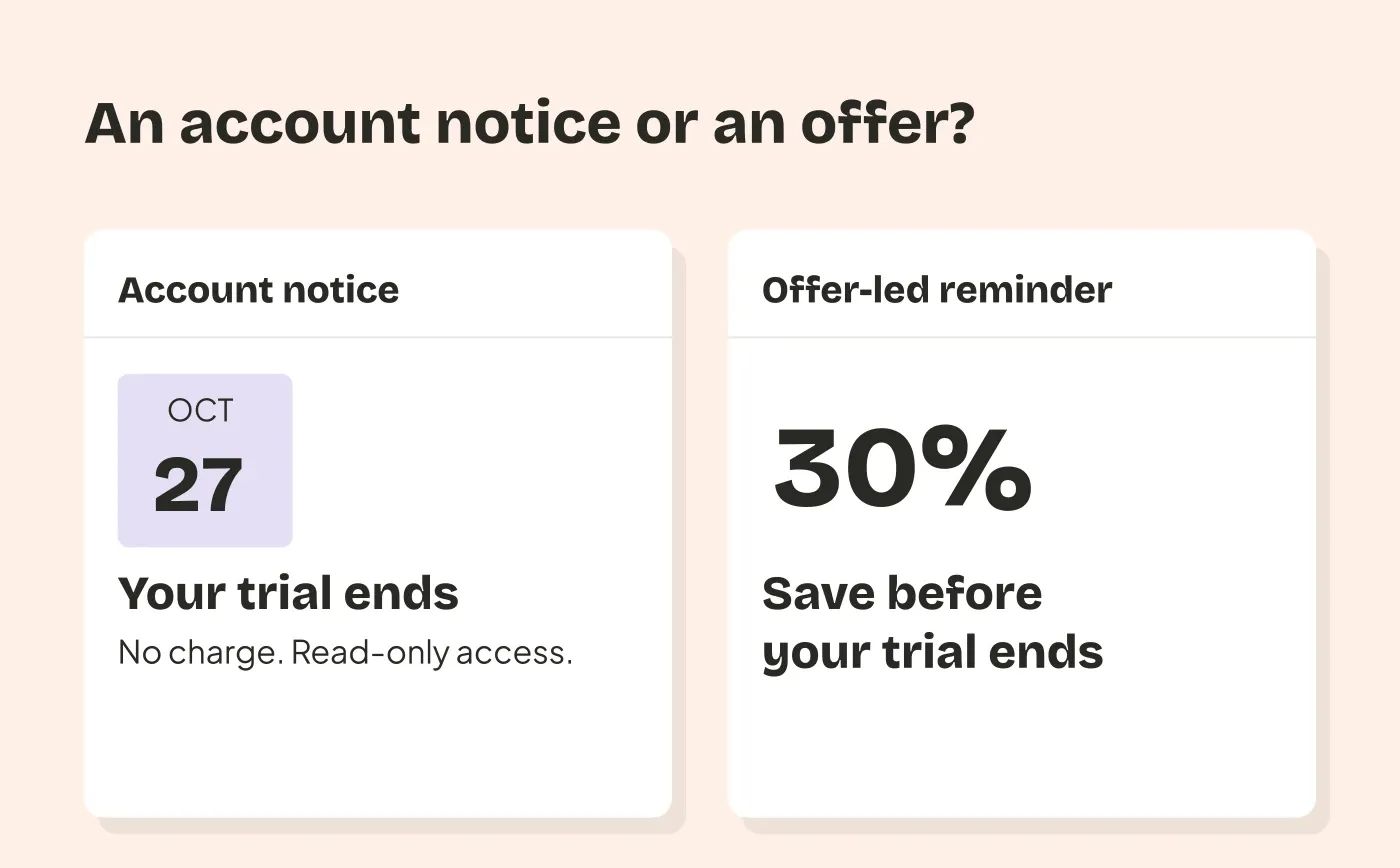
Depends on the account terms and the message. A factual notice of an agreed upcoming charge or loss of access differs from a sales pitch offering a discount to convert.
State the actual end date, whether a charge will occur and what changes for the account. Assess an offer-led reminder as marketing. Do not treat every email sent near a trial deadline as an essential billing notice.
8. Weekly usage digest
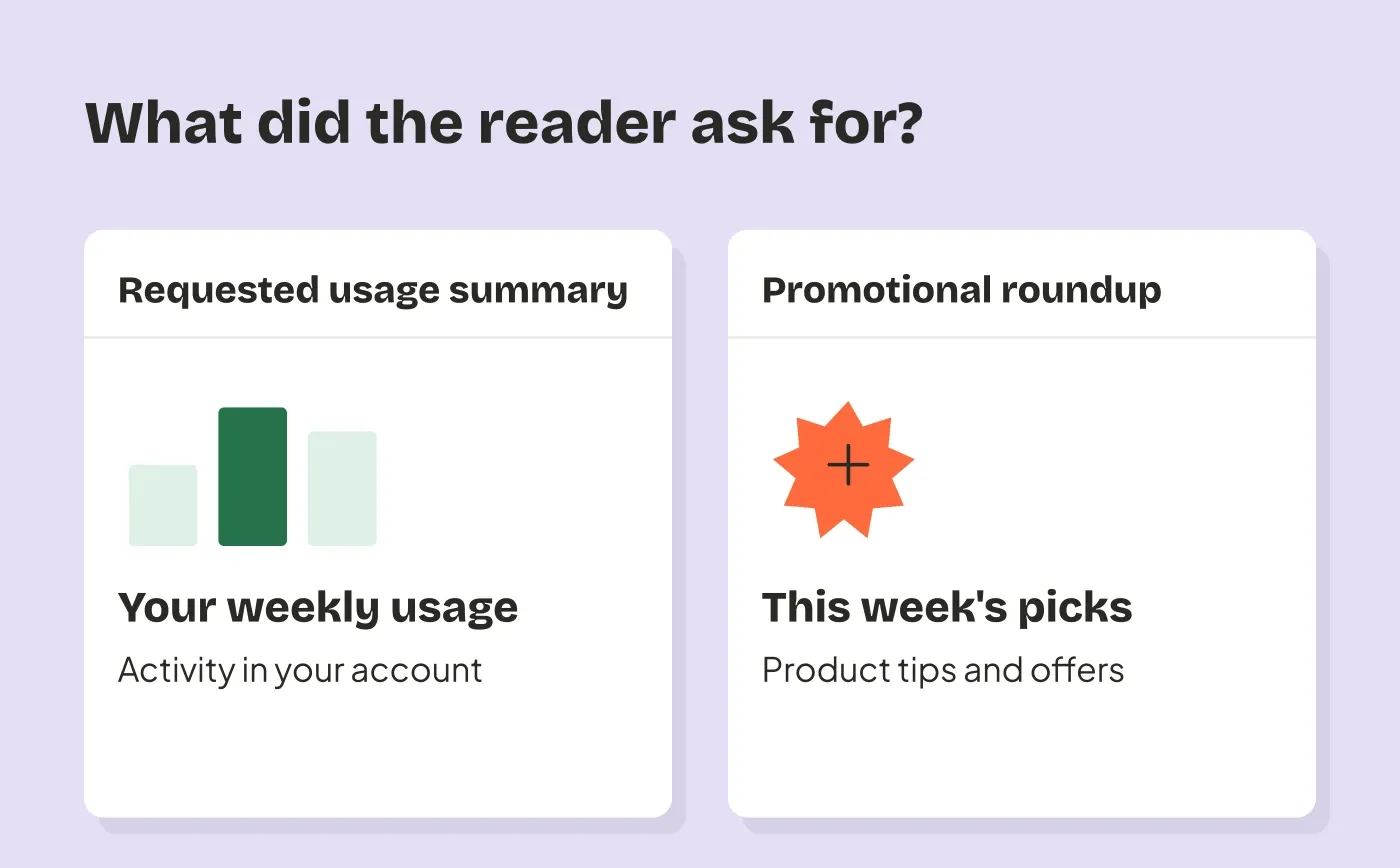
Depends on why the person receives it. A summary they requested of their own account activity differs from a weekly promotional roundup with a few account numbers added.
Record how they enabled the digest, what it contains and how they can stop it. Check the provider’s rules for recurring digests rather than assuming that automatic generation makes it transactional.
9. Feature announcement
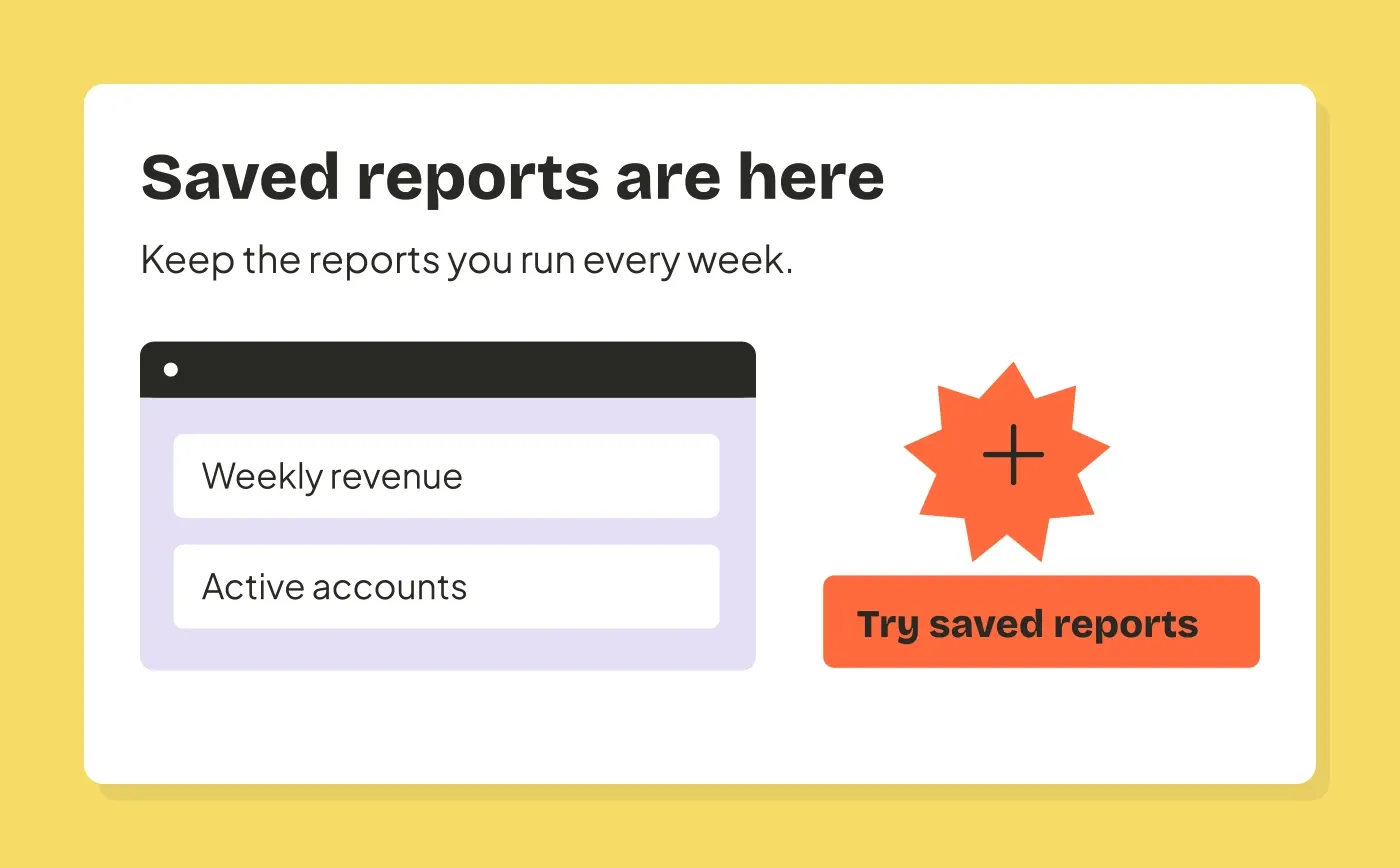
Marketing when its purpose is to promote the feature. “Try saved reports” invites customers to use something new. Limiting it to paying customers does not turn it into a billing or security notice.
Choose the people who can use it and respect their marketing preferences. Our product update email example shows how to make that invitation specific. An essential notice about a feature being removed from an existing service needs a separate assessment.
10. Monthly newsletter
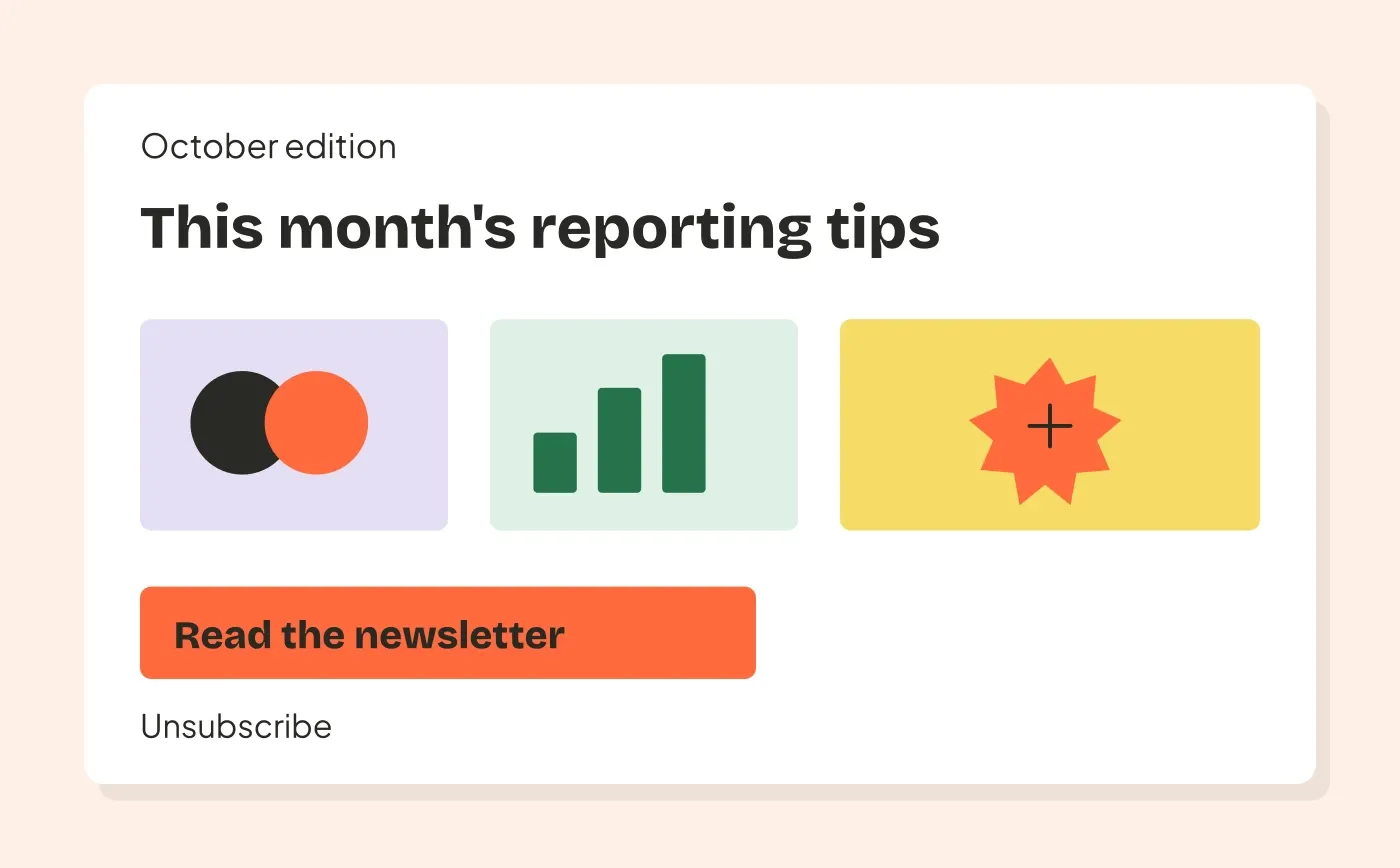
Marketing. “This month’s reporting tips” promotes your articles, product or business, even when the advice is useful and there is no buy button.
Send it to the appropriate subscribers, with a clear way to leave. A customer who wants account receipts may still decline the newsletter.
Separate provider routing from legal classification
Providers use their own terms to decide where messages should travel. Those labels are not interchangeable with a legal exemption.
For example, Postmark’s Message Streams guide puts password resets and receipts in Transactional streams. It puts one-to-many sends, including policy updates, product announcements and newsletters, in Broadcast streams.
A bulk policy notice can therefore need a Broadcast stream even if its purpose is an account obligation. Postmark also identifies digests and other borderline messages that need more context. Ask the provider about a genuinely ambiguous message and show the actual content.
In the United States, the FTC’s CAN-SPAM guidance uses the message’s primary purpose and defines transactional or relationship categories narrowly. An existing customer relationship alone does not make every email transactional. For mixed messages, the subject and placement of commercial and account content matter. Check the rules that apply to your recipients; a provider’s stream choice does not establish legal compliance.
Keep account notices focused
Suppose our fictional product needs to tell a customer that their trial ends on October 27 and access will become read-only. Start with a factual notice:
Subject: Your trial ends on October 27
Your reporting trial ends on October 27. Your workspace will become read-only, and you won’t be charged.
You can export your reports from Workspace settings before then.
Action: Open workspace settings
That gives the person account information and a relevant next step. Its final classification still depends on the actual trial arrangement and applicable rules.
Now change the subject to “Save 30% before your trial ends,” lead with an upgrade offer, and move the access details to the bottom. The message now asks the reader to make a purchase. Assess it as a promotional message rather than routing it as a factual trial notice.
Do not add a receipt number or account deadline to disguise an offer. When there are two distinct jobs, write two messages and apply the right recipient controls to each.
Put campaigns in their own workflow
Keep password resets, verification and other immediate account events in the sending system your application uses for them. Give newsletters and feature announcements a campaign workflow with an explicit audience and marketing preferences.
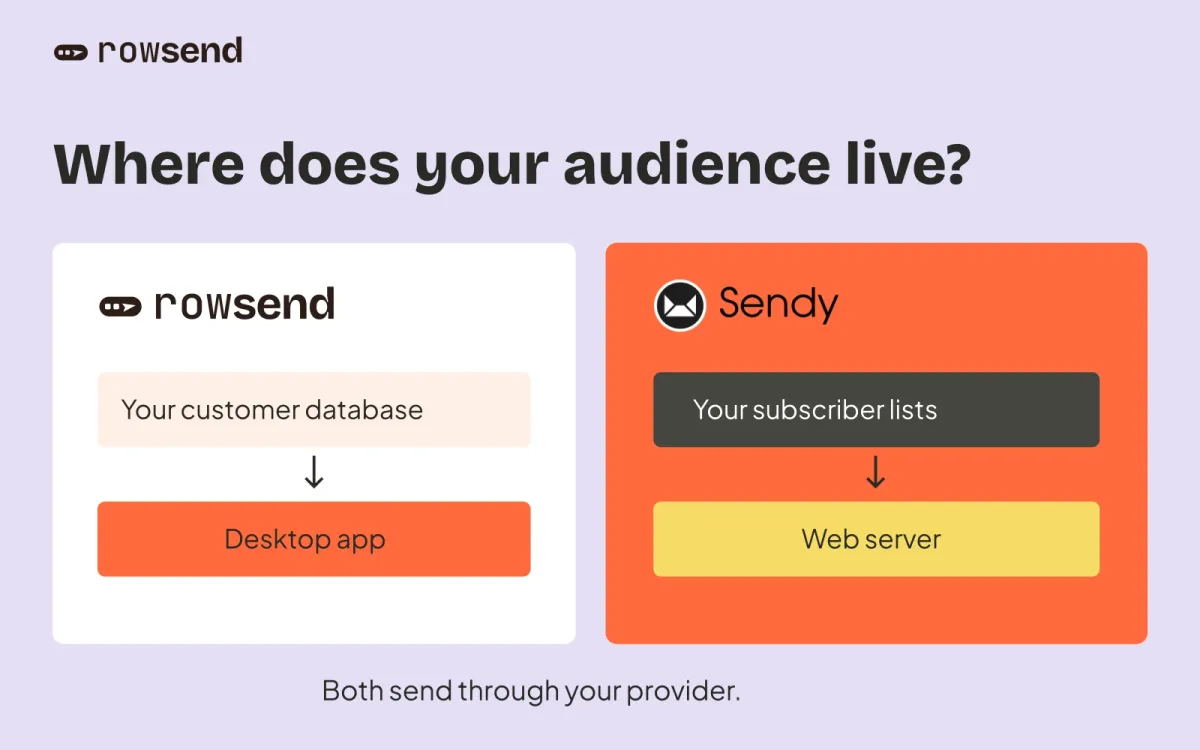
Rowsend fits that campaign workflow. Contacts come from your own connected database. You choose the campaign’s audience and topic, write the message, then test and send it.
With Postmark in Rowsend, configure a Broadcasts stream. Rowsend verifies that the chosen stream is of that type. Your application’s transactional messages can use their own appropriate stream.
Assign a feature announcement to a topic such as Product updates and a newsletter to Newsletter. With Rowsend Cloud or a self-hosted companion, recipients can manage those topic preferences. With the companion on your computer, recipients reply to unsubscribe and you record their choice.
Keep the mailing address and unsubscribe footer on marketing campaigns. Rowsend’s footer controls change the displayed lines; they do not reclassify the message or bypass audience suppressions. Do not use an unsubscribed campaign audience for essential account messages and expect removing the footer to make everyone reachable.
Record the decision before the next send
Keep a short inventory alongside your templates. For each message, record its purpose, trigger, recipients, sending system, provider stream and preference rules.
For the fictional saved-reports announcement, the entry might read:
| Decision | Example |
|---|---|
| Purpose | Promote the new saved-reports feature |
| Trigger | Team schedules a launch campaign |
| Audience | Customers whose plan includes the feature |
| Sending | Rowsend with a Postmark Broadcasts stream |
| Preferences | Product updates topic and campaign suppressions |
| Review | Check again if the audience, offer or purpose changes |
Before reusing a template, read its current subject, opening paragraph and main action. If a factual notice has become a promotion, update its sending and preference rules before it reaches customers.