Someone used your product for a few weeks, then stopped. You could send “We miss you.” But the customer needs a reason to spend time in the product again.
A useful SaaS re-engagement email connects something they previously did with something they can do now. An unfinished task, a fixed blocker, or an offer of help gives the message a purpose beyond reminding them that your company exists.
Below are five fictional examples for a reporting product called Clearboard. Each pairs a complete message with the product data needed to choose its audience. The illustrations show fictional Clearboard screens and workflows. Adapt the facts to your product before using the copy. These are alternatives for different situations, not five emails to send to everyone.
Define who has stopped using the product
Start with a meaningful activity, such as running a report. A last sign-in tells you someone accessed the product; it does not establish that they completed useful work. Someone may also receive scheduled reports without signing in, so check how your product delivers value before calling them inactive.
For the examples here, suppose the database provides:
last_report_at, the date of the last completed report.report_count, the number of reports the customer has completed.marketing_allowed, whether your own subscription records permit this kind of campaign.- The example-specific fields described below.
A starting audience could match All: report_count is greater than 0, last_report_at is more than 30 days ago, and marketing_allowed is yes. Thirty days is an example window, not a recommended interval for every SaaS product. Choose a gap that makes sense for your normal usage cycle.
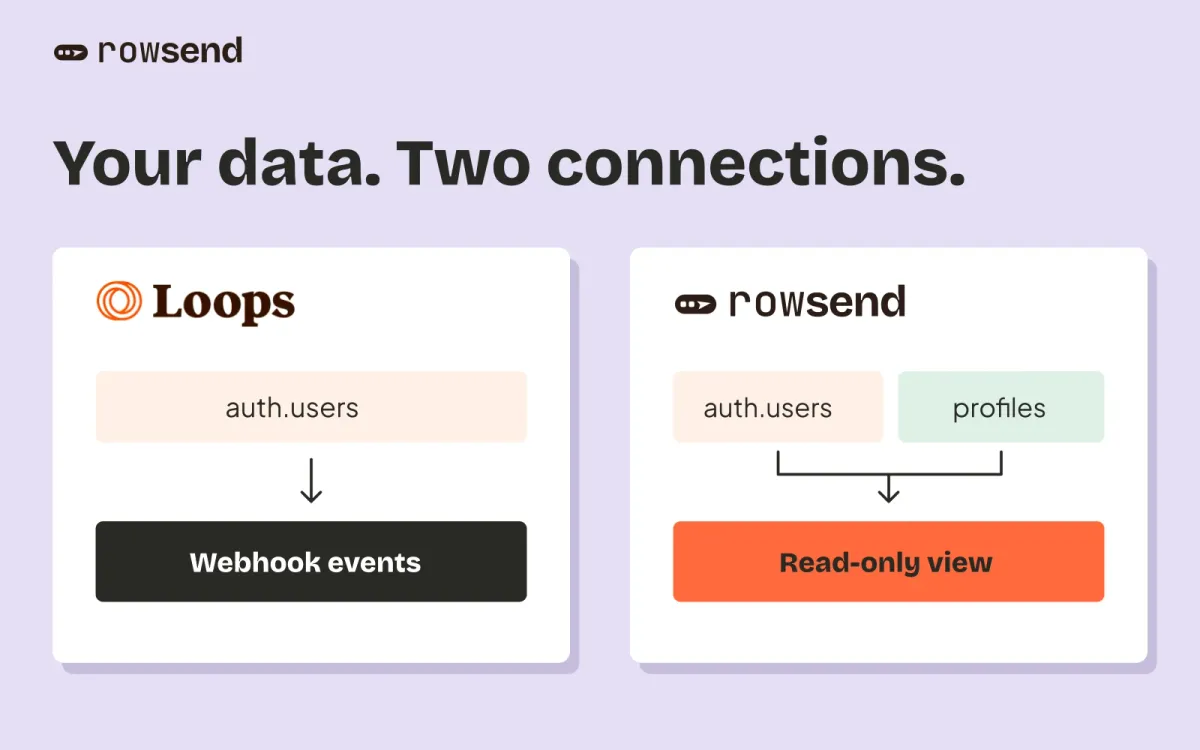
In Rowsend, these are custom fields from your connected database. Dates need ISO values and counts need actual numbers or numeric text. Check missing dates separately. An empty activity field is not proof that someone stopped using the product.
Having a product account does not establish permission for every marketing message. Review the relationship and subscription choices before adding someone to the audience. Google’s email sender guidelines advise sending subscription email to people who want it and making it easy to unsubscribe. An old signup list is not a reason to contact everyone again.
1. Help them finish something they started
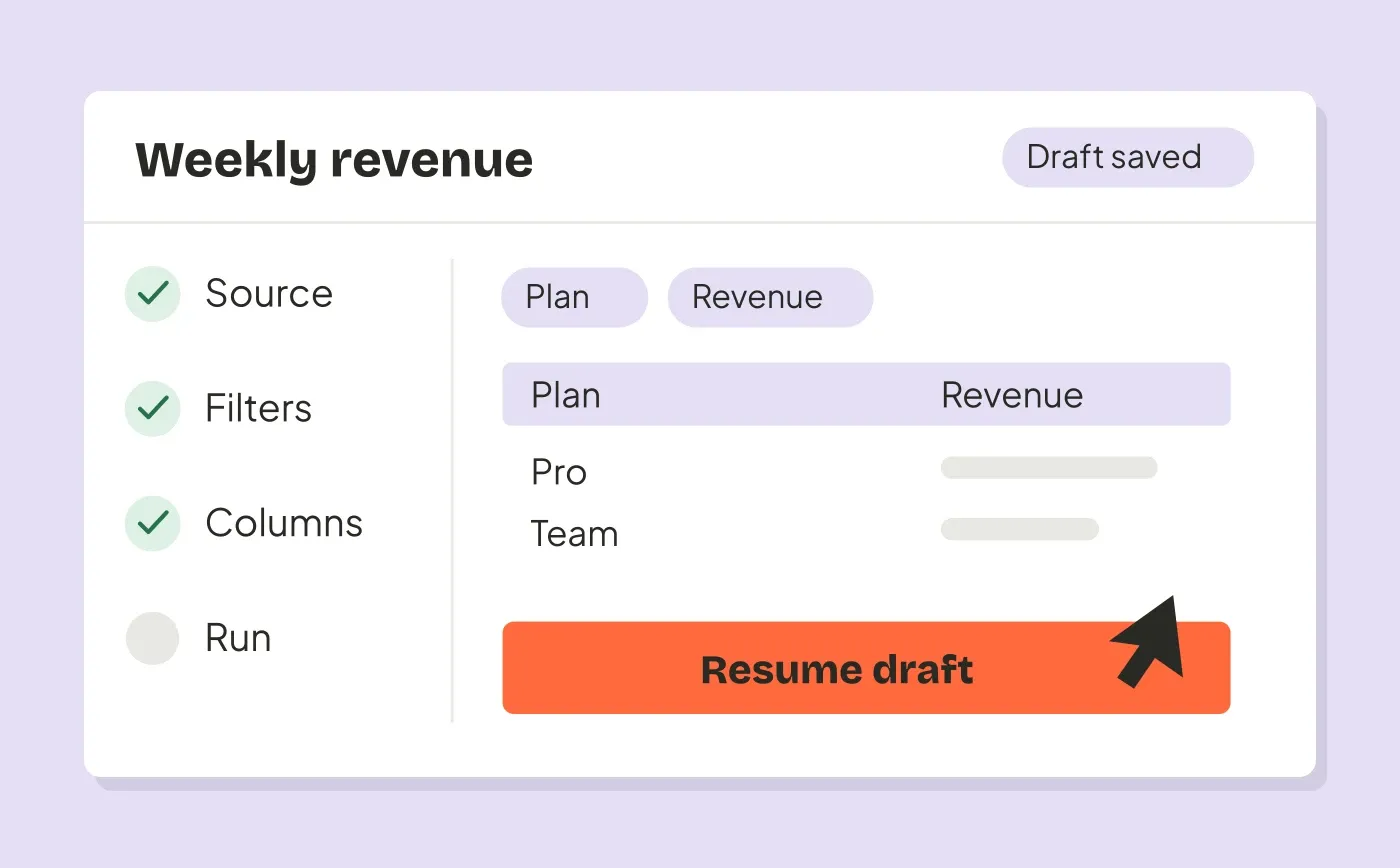
Use this when the person left a real task unfinished and can still access it. Suppose unfinished_report_count is greater than 0, and your product has checked that those drafts still exist.
Subject: Pick up your unfinished report
Preview: Your saved draft is ready when you are.
Hi,
You have an unfinished report in Clearboard. The filters and columns you saved are still there, so you can continue from that draft.
Open Reports and choose Drafts to pick it up. You can review the data before running it.
Button: Open my report drafts
Maya, Clearboard
Link to the draft list and check where the customer lands after signing in. Exclude people whose drafts were deleted, whose access ended, or who completed the task after the audience was last synced.
The saved work is the reason to return. Do not promise “everything is waiting” unless your retention policy and current data support it.
2. Tell them a known blocker is fixed
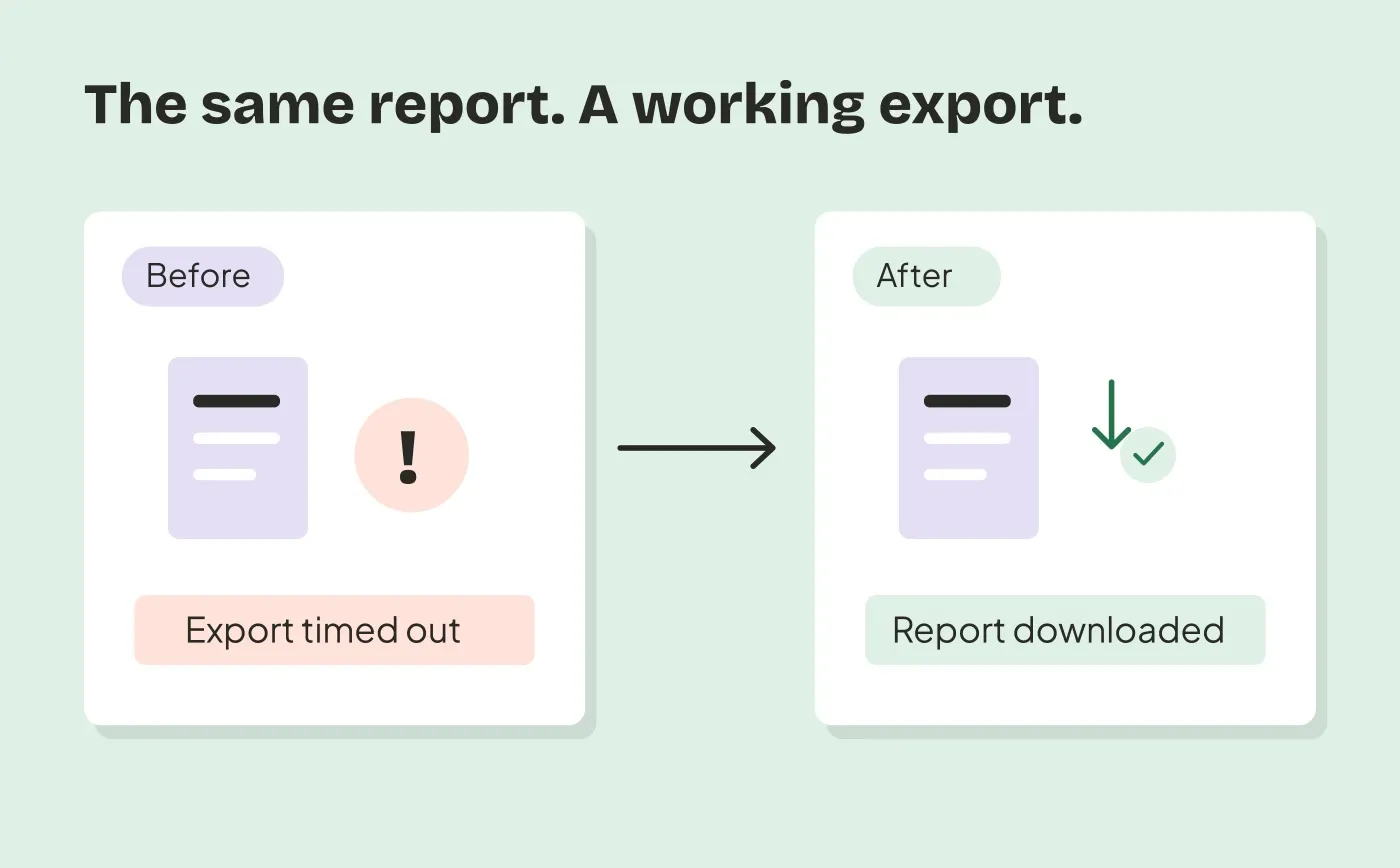
Use this when you can connect a specific problem to the person who encountered it. Suppose your source provides encountered_export_timeout as yes and retried_export_after_fix as no. Your team must derive those fields from actual product or support records.
Subject: The large-report export problem is fixed
Preview: You can retry the export that timed out.
Hi,
A large report export in your Clearboard workspace timed out. We’ve fixed the problem that caused those exports to fail.
Open the report and choose Export to try again. If it still fails, reply to this email and I’ll help investigate.
Button: Open my reports
Maya, Clearboard
Exclude people who already retried successfully. Verify that the fix is deployed for every workspace in the audience, and that the recipient can still use exports on their current plan.
Keep the claim as narrow as the fix. A resolved timeout does not justify saying every export problem is gone. If you cannot identify who encountered the issue, use a broader product update with accurate wording instead of implying personal knowledge.
3. Show how a familiar task got easier
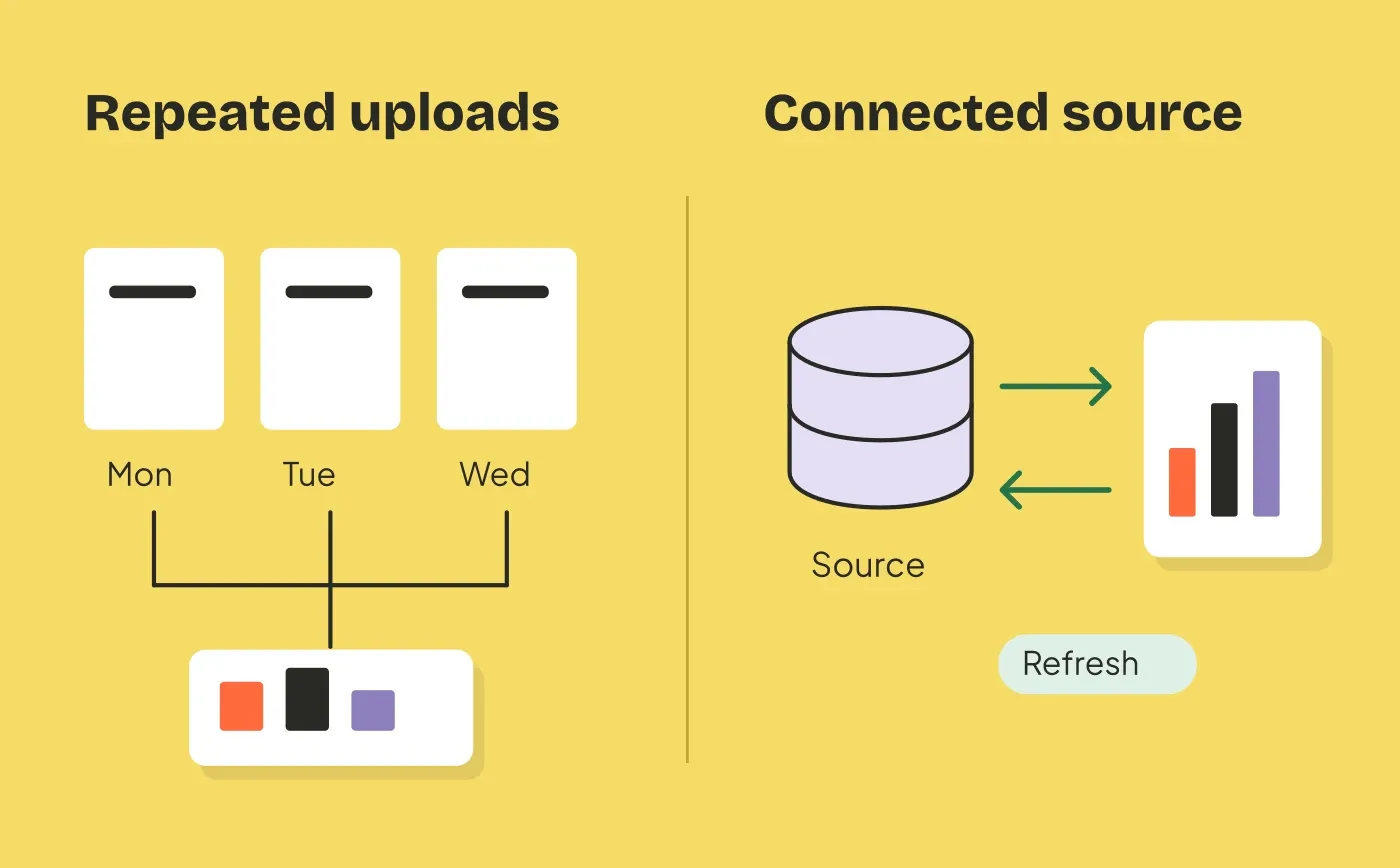
Use this when the customer previously did a task that has become simpler. Suppose csv_upload_count is greater than 0, has_live_connection is no, and live_connection_available is yes.
Subject: Update your dashboard without another CSV
Preview: Connect your reporting source and refresh it from Clearboard.
Hi,
If uploading a fresh CSV kept you from updating your Clearboard dashboard, you can now connect a reporting source instead.
Open Data sources, choose a supported connection, and follow the setup steps. Once connected, you can refresh the dashboard without uploading another file.
Button: See supported connections
Maya, Clearboard
This describes a fictional Clearboard feature. It is not a Rowsend contact-import workflow. Rowsend contacts only come from the user’s own database.
Exclude customers who already connected a source. Make availability clear if only some plans or database engines support the change. The conditional opening avoids claiming that you know why the customer left.
For a campaign aimed at current users rather than dormant ones, see our product update email example.
4. Offer help with one concrete task
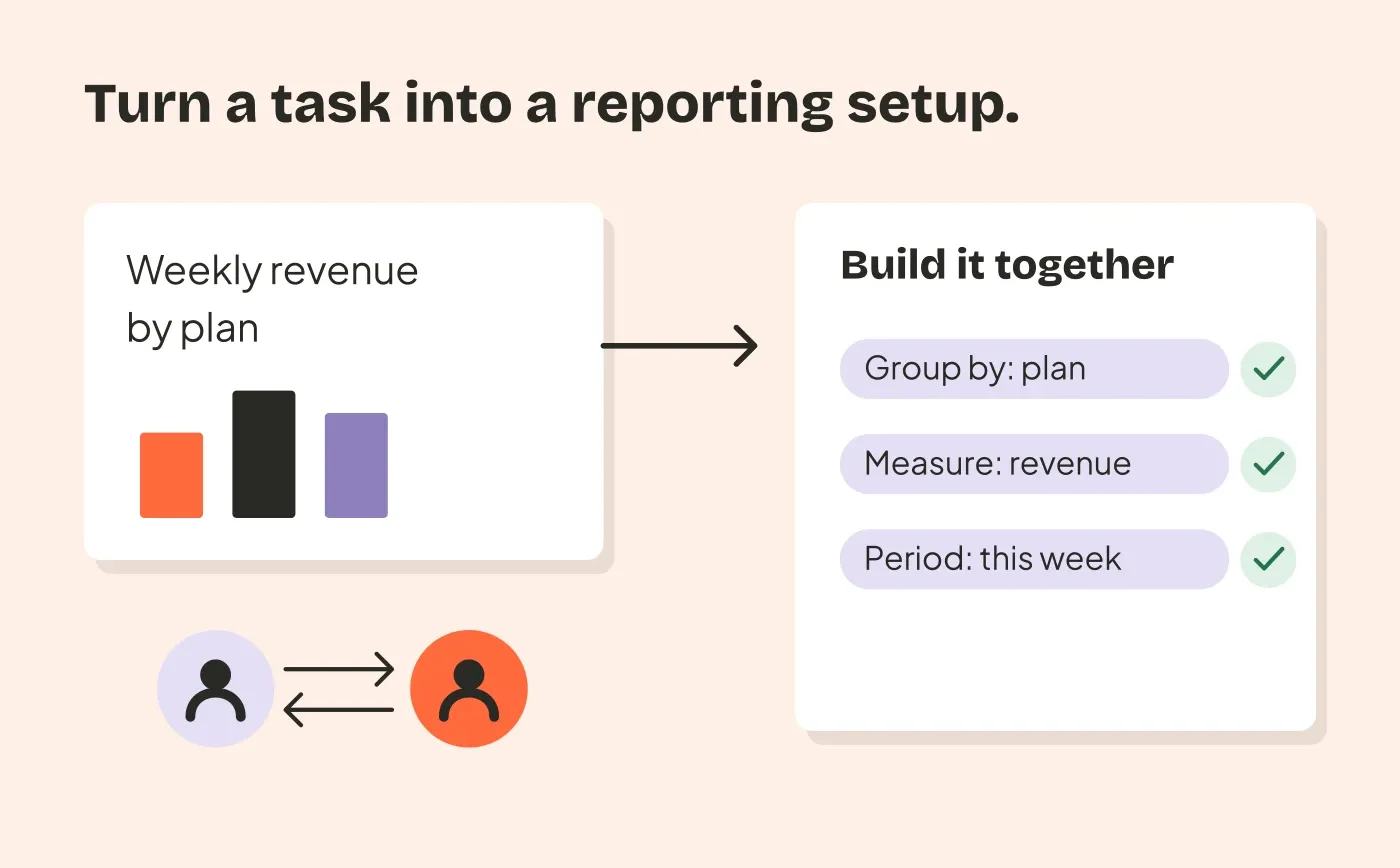
Use this when your team can provide the help offered. For example, choose previously active customers with setup_help_requested set to yes and setup_help_completed set to no. Check recent support conversations before sending.
Subject: Want a hand with your reporting setup?
Preview: Reply with the report you’re trying to build.
Hi,
You asked for help setting up a report in Clearboard. If that task is still on your list, reply with what you’d like the report to show.
I’ll help you work through the filters and columns. Please leave customer records and credentials out of your reply; we can start with a description of the task.
Action: Reply with the report you want to build.
Maya, Clearboard
Use a monitored reply address. Do not imply someone personally reviewed the account unless they did. Exclude resolved requests and customers already talking to support, so the email does not interrupt an active conversation.
This message needs no button. A reply is its one useful next step. Limit the audience to the number of requests your team can handle.
5. Ask what prevented them from returning
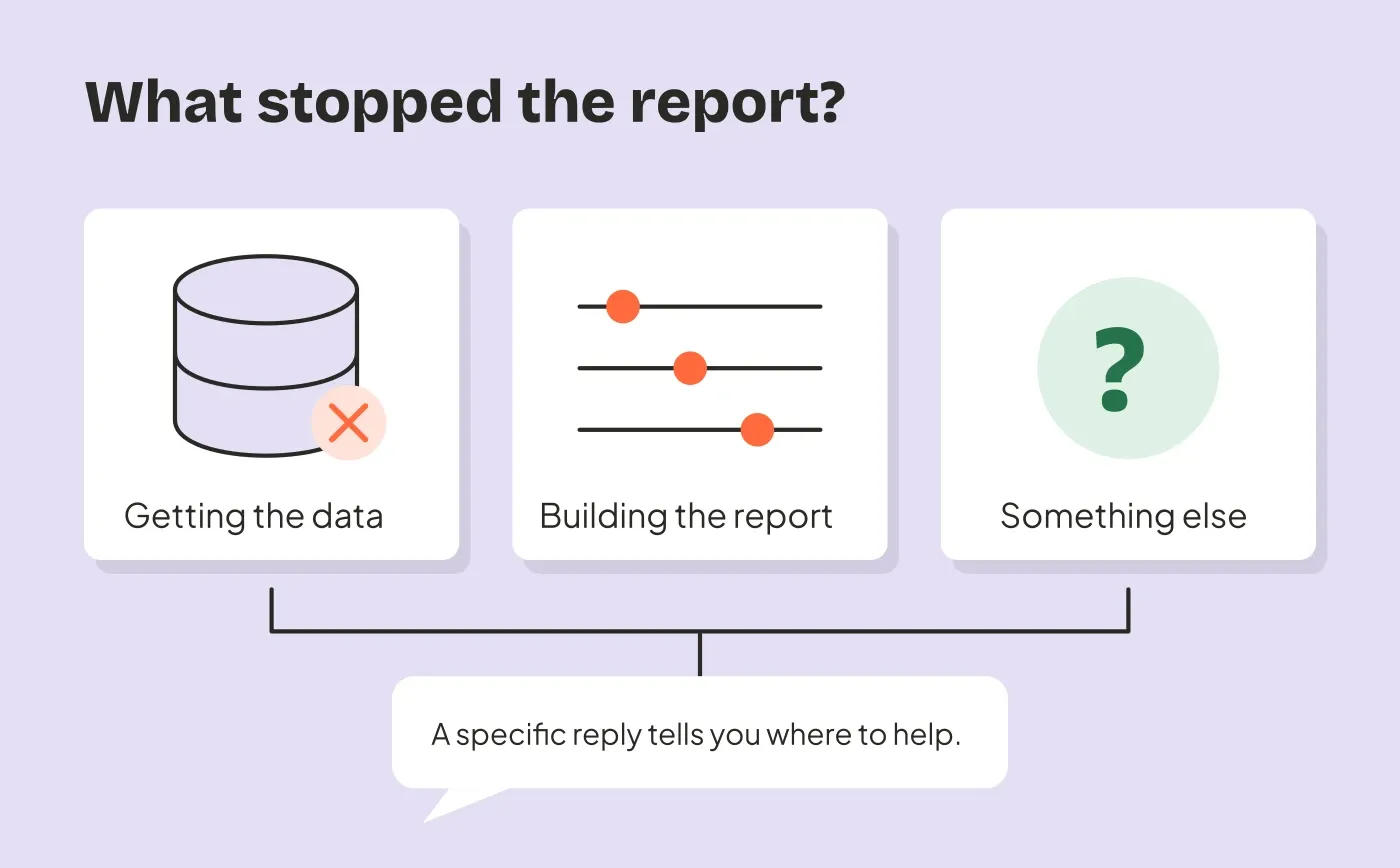
Use this when you need to understand the problem before making another offer. Choose a small, eligible group of previously active users and exclude anyone already asked for feedback recently.
Subject: What would make Clearboard useful again?
Preview: One reply would help us understand what was missing.
Hi,
You used Clearboard to build reports, but haven’t run one recently. If you’re willing to share, what got in the way?
Was it getting the right data, building the report, or something else? A short reply is enough. I’ll read it and use it to help decide what we work on next.
Action: Reply with what was missing.
Maya, Clearboard
Only mention the absence of recent reports if your activity records support it. If the customer may use the product in ways you do not measure, use a less specific opening, such as “I’d like to understand how Clearboard fits your reporting work.”
Keep this separate from a discount pitch. If you promise to read replies, assign someone to do it and record what they learn.
Build one campaign with explicit exclusions
The audience recipes gallery turns these examples into audience rules and editable email drafts. Each recipe lists the data it needs and has a prompt for your agent to check your fields, create a segment and prepare a campaign for review.
Choose the example that matches the evidence you have. Add its conditions to the starting audience in one All segment. Including several separate segments in a Rowsend campaign reaches people matching any of them; it does not require a contact to match all of them.
Create an exclusion segment for internal accounts, ended access, recent outreach, or unresolved support conversations as appropriate. Each of those conditions needs a field your source actually supplies. The audience guide explains inclusion and exclusion rules in more detail.
Sync before reviewing the final audience. Inspect a few matching contacts and confirm that the proposed message is true for them. In Rowsend, choose the relevant campaign topic and check the final recipient count. Campaigns exclude people who opted out of that topic or everything, bounced, or complained.
Do not create a new topic to get around an old opt-out. Topic preferences should reflect the kinds of email people agreed to receive. Cloud and self-hosted companions provide public unsubscribe pages. With the companion on your computer, people reply to unsubscribe and you record their choices.
Send yourself a test through your provider. Check the message on a phone, the destination after login, and whether replies reach a monitored inbox. Keep the mailing address and unsubscribe instructions visible.
Rowsend supports sending or scheduling individual campaigns. These examples do not require an automated sequence. By default, recipients are resolved when sending starts. If you enable sending with the computer off, the scheduled recipients are fixed when you schedule; unschedule and schedule again to refresh that audience. See the Cloud sending option.
Decide when to stop and what to measure
Before sending, record the campaign’s audience, date, reason for contacting them, and the product action you hope it helps them complete. Choose a review date suited to that task. For example, you might check whether recipients completed a report in the following week.
Record this campaign’s outreach in your own system if you need a field such as last_reengagement_sent_at for future exclusions. Rowsend’s read-only database connection does not write that field back for you.
For this first attempt, send one relevant invitation and stop if there is no response or meaningful new reason to contact the person. Silence does not establish interest. A return to the product also does not undo an unsubscribe.
Rowsend reports delivery with SES, Postmark and Mailgun, plus bounces, complaints and unsubscribes. It does not track opens or clicks. Check report completion, resumed use, and replies in your own product and inbox. Record that a return happened after the campaign without assuming the email caused it.
If a small group returns but cannot finish the task, fix that problem before sending another invitation. The next message should have a new, verifiable reason for the customer to come back.